3. INITIAL SETTINGS
18
3.3 Operation Check
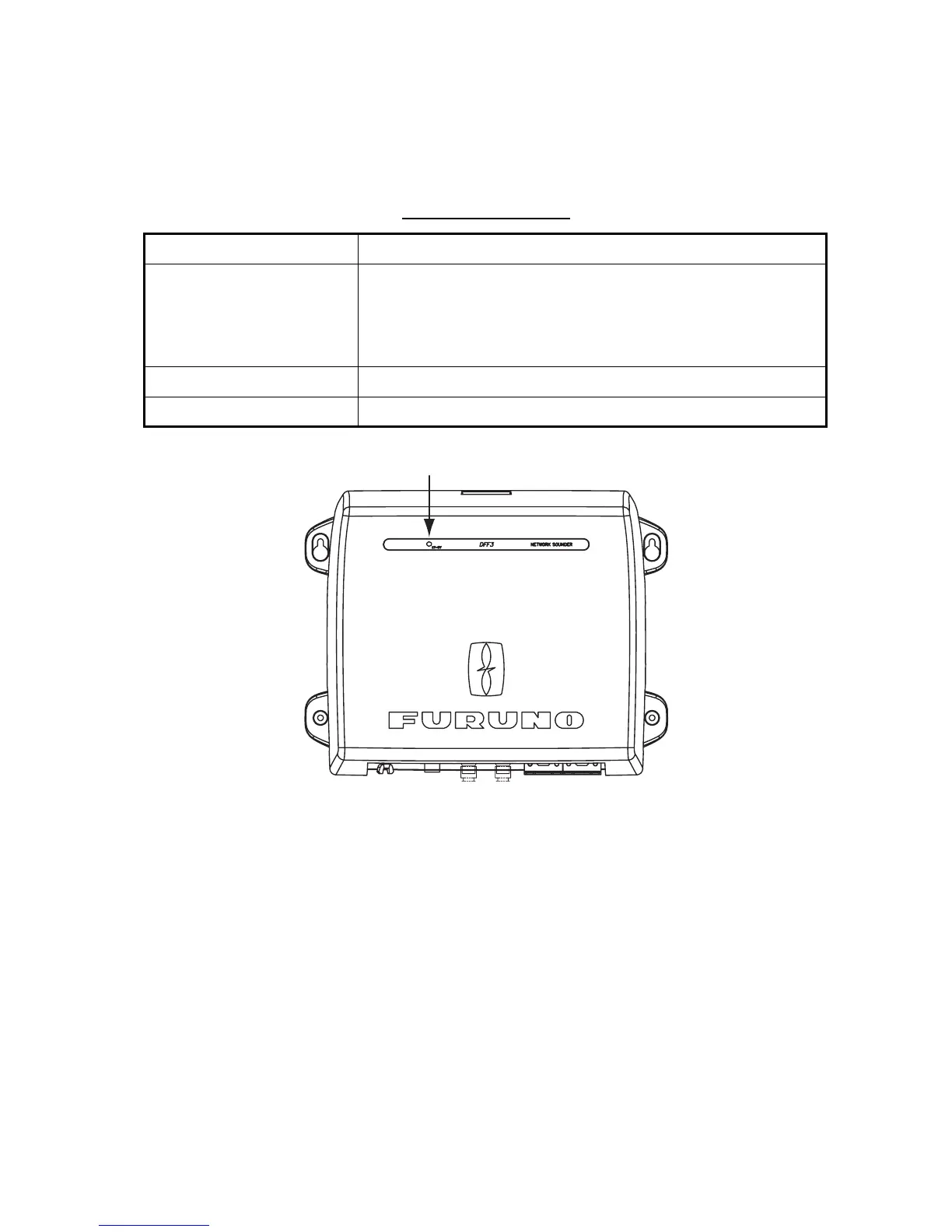
For NavNet, NavNet vx2 and NavNet TZtouch, the DFF3 is powered on/off from ship’s switch-
board. For NavNet 3D, it is powered on/off from the display unit. The LED on the cover of the DFF3
lights or blinks according to equipment state, as described in the table below.
LED state and meaning
LED state Meaning
Lighting continuously • Standby state. (If, for NavNet series, no signal is received via
LAN for more than 10 minutes, the equipment automatically goes
into standby to lessen power consumption.)
• Power on (20 seconds during initialization)
• IP address not set
Blinking every two seconds Normal operation
Blinking every 0.4 seconds Transducer settings at NavNet series not properly set.
LED



 To Next Page