1. OPERATION
10
1. Press the [MENU/ESC] key to open the
menu.
2. Use S or T to select Sounder and press
the [ENTER] key.
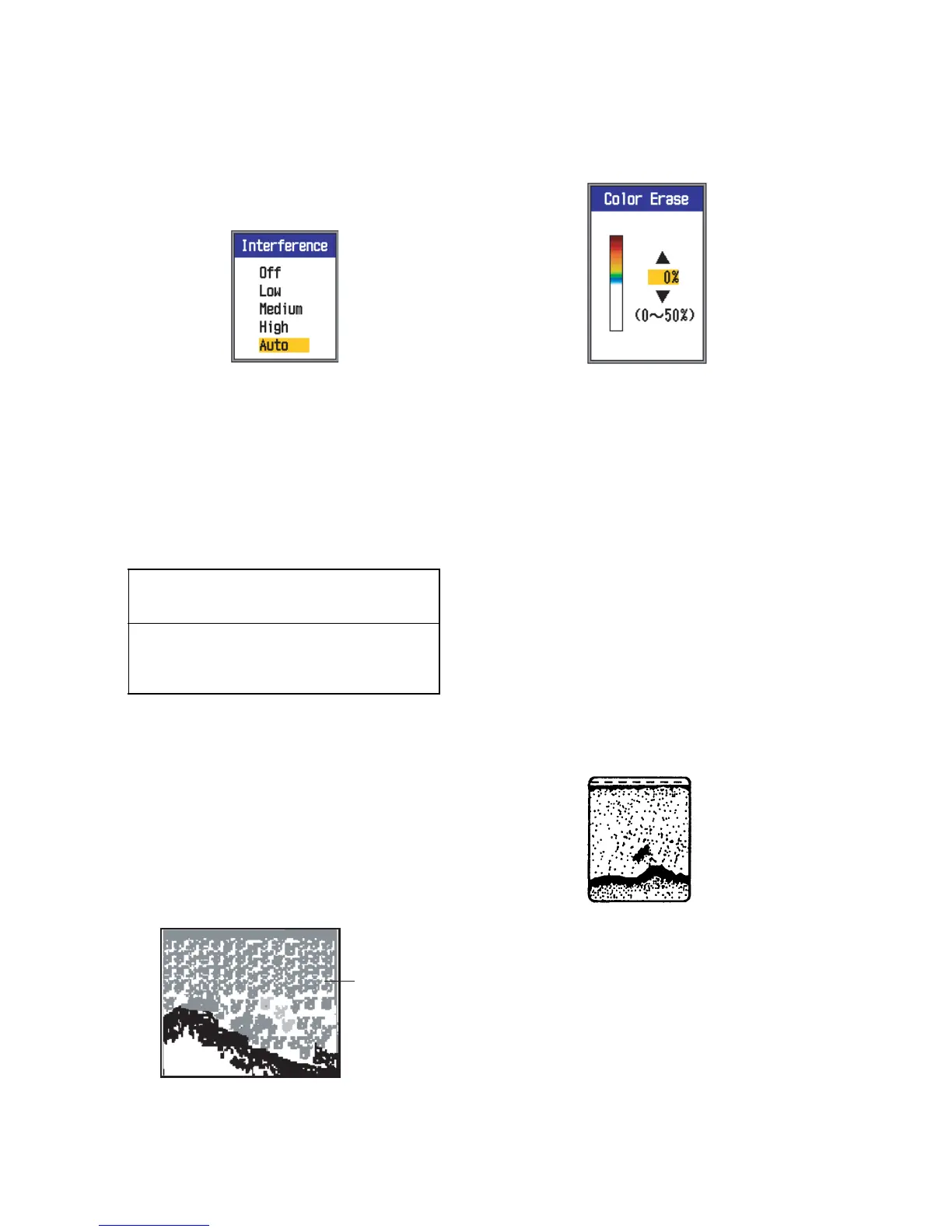
3. Use S or T to select Interference and
press the [ENTER] key.
4. Use S or T to turn the interference rejec-
tor on or off and press the [ENTER] key.
Off: Turn off the interference rejector.
Low, Medium, High: High provides the
greatest degree of suppression and Low
provides the weakest.
Auto: Automatically reject interference.
5. Press the [MENU/ESC] key twice to close
the window.
1.12 Erasing Weak Ech-
oes
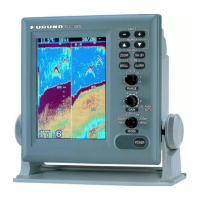
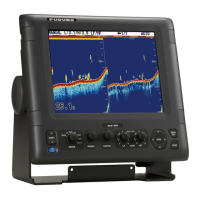
Sediment in the water or reflections from
plankton may be painted on the display in low
intensity tones, as shown in the illustration be-
low. You can remove these unwanted echoes
with the Color Erase feature.
1. Press the [MENU/ESC] key to open the
menu.
2. Use S or T to select Sounder and press
the [ENTER] key.
3. Use S or T to select Color Erase and
press the [ENTER] key.
4. Use S or T to select the color to erase
and press the [ENTER] key. The setting
range is 0 to 50(%), in intervals of 5(%).
The larger the setting value, the greater
the number of colors that are erased.
5. Press the [MENU/ESC] key twice to close
the menu.
1.13 Rejecting Clutter
Low intensity "speckles" may appear over
most of screen. This is mainly due to sedi-
ment in the water or noise. These unwanted
echoes can be rejected, when using the man-
ual mode, by adjusting Clutter on the menu.
Clutter is automatically adjusted in the auto
gain mode.
1. Press the [MENU/ESC] key to open the
menu.
2. Use S or T to select Sounder and press
the [ENTER] key.
IMPORTANT
Turn off the interference rejector when no
interference exists, so as not to miss small
echoes.
Weak
echoes


 To Next Page