5-1
5. CHANNEL FUNCTION SETUP
5.1 CH Group
Select the channel group among USA, Canada, and International.
1. Press and hold down the CALL/MENU key until the [Setup Menu] appears.
2. Rotate the CH knob to select [CH FUNCTION Setup]
then press the [SELECT] soft key.
3. Rotate the CH knob to select [CH Group] then press
the [SELECT] soft key.
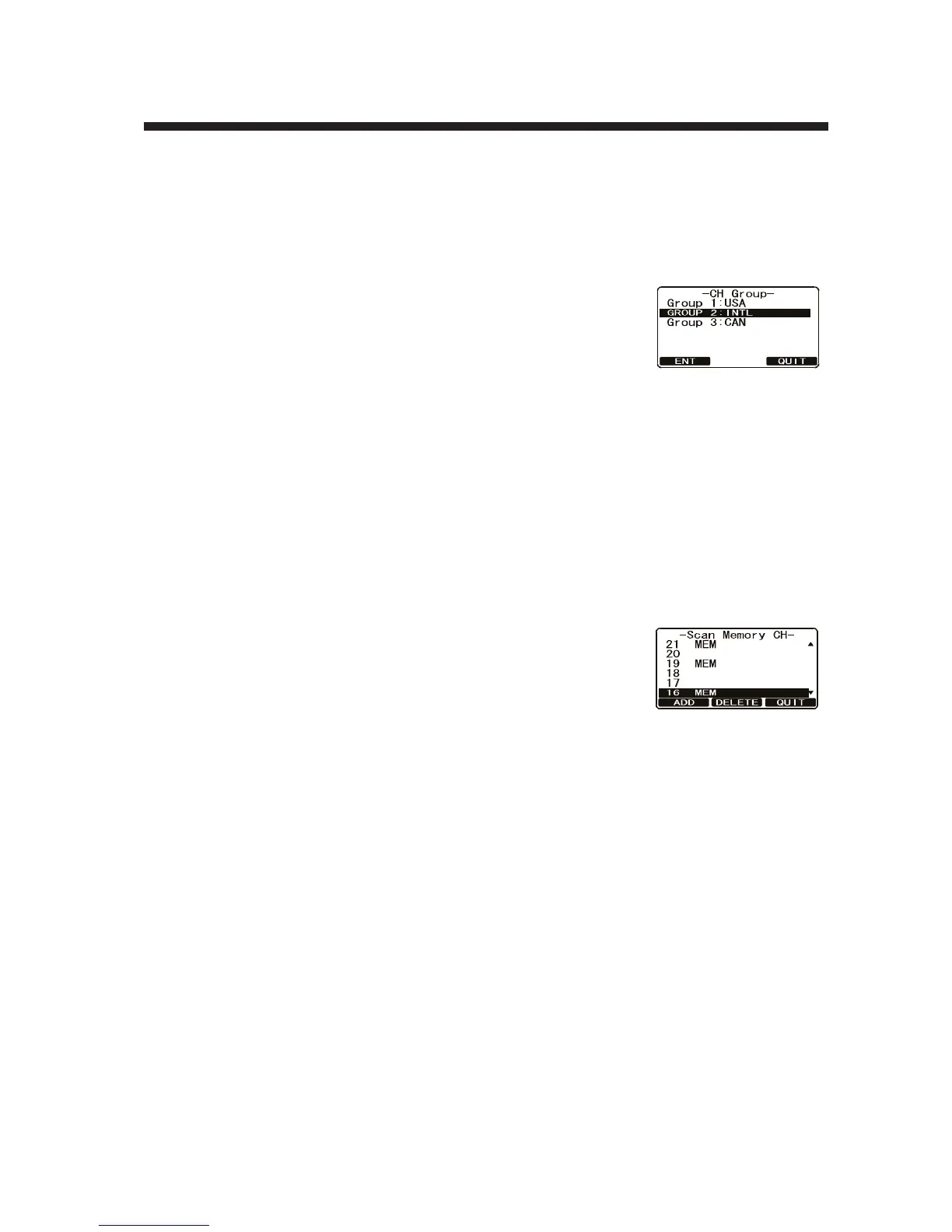
4. Rotate the CH knob to select desired channel group
among [USA], [INTL] and [CAN] (Canada) then press the [ENT] soft key to store
the selected setting.
5. Press the [QUIT] soft key several times to return to radio operation.
5.2 Scan Memory
In order to scan channels, store the desired scan channels in the scan memory as
shown below.
1. Press and hold down the CALL/MENU key until the [Setup Menu] appears.
2. Rotate the CH knob to select [CH Function Setup] then
press the [SELECT] soft key.
3. Rotate the CH knob to select [Scan Memory CH] then
press the [SELECT] soft key.
4. Rotate the CH knob to select the channel to scan then
press the [ADD] soft key. "MEM" appears on the display to indicate that the chan-
nel has been memorized to the scan channel.
5. Repeat step 4 for to select another channel.
6. To delete a channel from the list, select the channel then press the [DELETE] soft
key. "MEM" icon disappears from the display.
7. When you have completed your selection, press the [QUIT] soft key several times
to return to radio operation.



 To Next Page