4. POINTS, BOUNDARIES
4-20
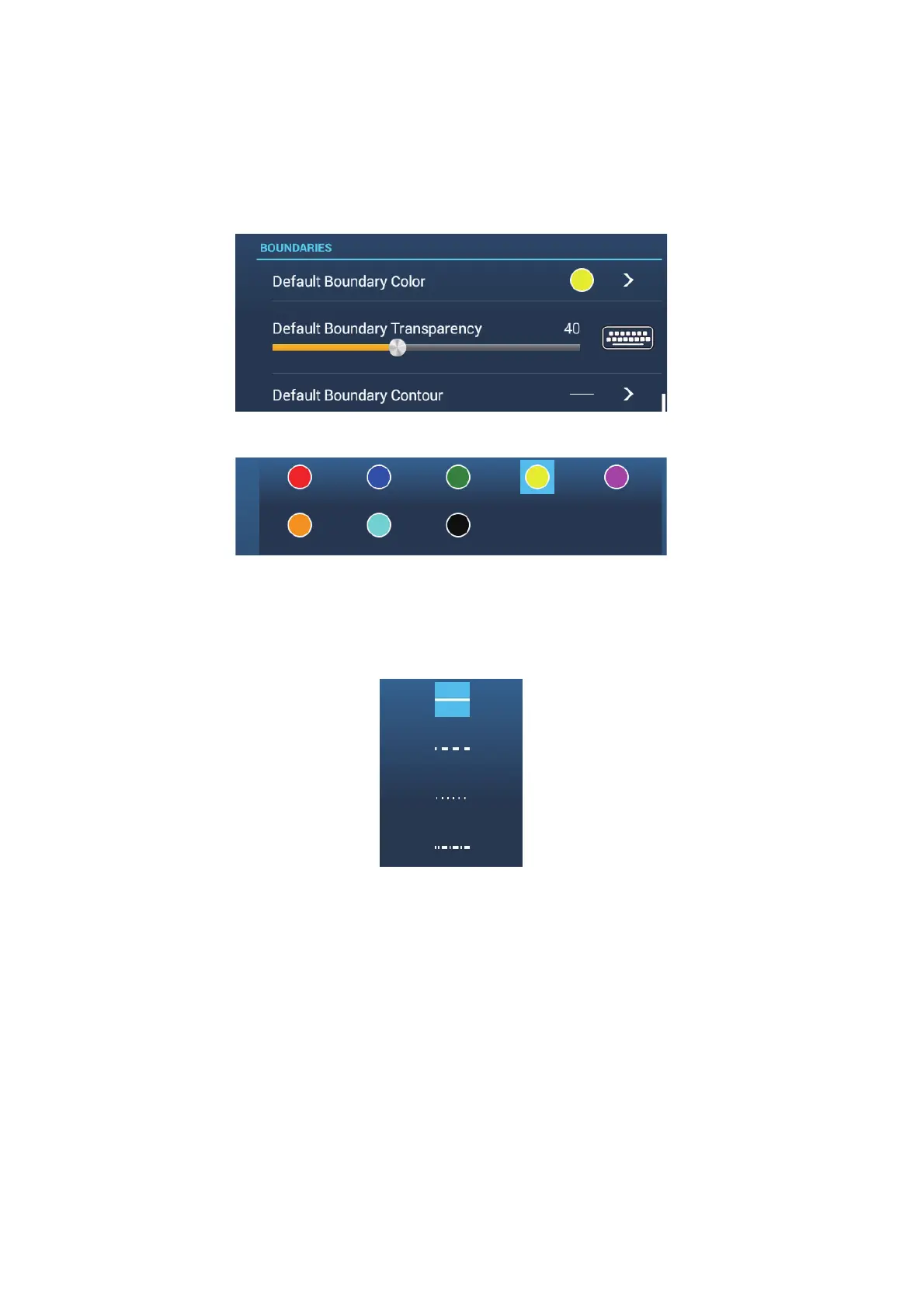
4.15.3 How to set default boundary attributes
You can set the color, line type and transparency of boundaries on the [Points &
Boundaries] menu.
1. On the Home screen, tap [Settings][Points & Boundaries]. Scroll to find the
[BOUNDARIES] section.
2. Tap [Default Boundary Color].
3. Tap the color desired, then tap [<] on the title bar to go back one layer in the menu.
4. To change boundary transparency, adjust the slider bar at [Default Boundary
Transparency].
5. Tap [Default Boundary Contour].
6. Tap the line type desired.
7. Tap the close button at the top of the screen to finish.













 To Next Page