4. POINTS, BOUNDARIES
4-25
4.15.5 How to edit an on-screen boundary
On-screen boundaries can be edited as shown in this section.
Note: The entire area boundary must be present on the display in order to display it.
Zoom to fit the boundary within the screen.
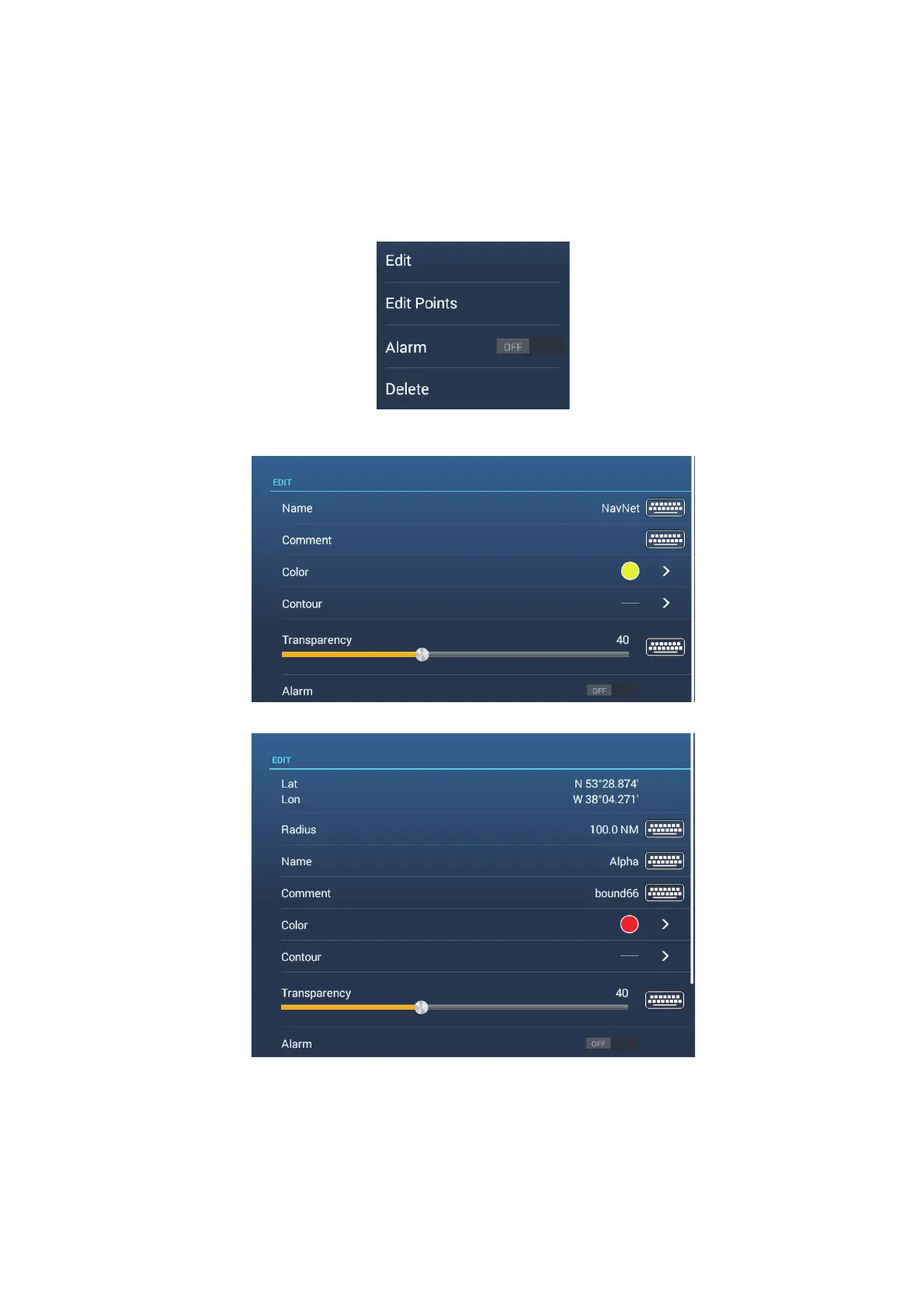
1. Tap the boundary to edit to show the pop-up menu.
2. Tap [Edit] to show the Edit screen.
Go to step 3 to edit a circle, or go to step 7 to edit a line or area.
3. To change circle position, tap [Lat Lon].
4. Use the software keyboard to enter new position, then tap [].
5. To change circle radius, tap [Radius].
Edit screen for Circle boundary
Edit screen for Area, Line boundary













 To Next Page