7. FISH FINDER (SOUNDER)
7-16
7.12.4 How to display the fish information
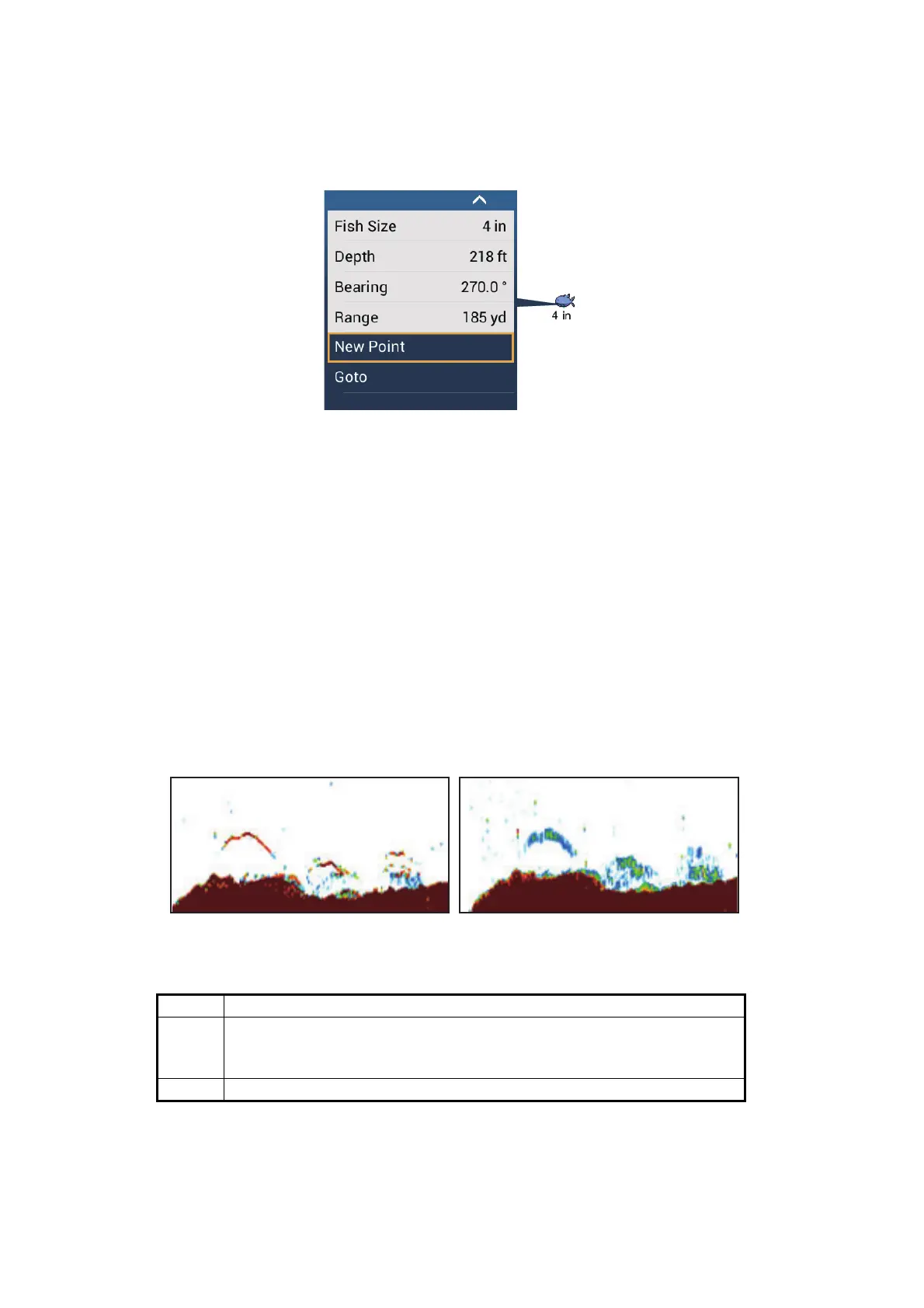
Tap a fish symbol to display the information (size, depth, bearing and range) about the
fish.
7.12.5 How to set the minimum size of ACCU-FISH
™
symbols
If you are in an area where there are many fish, the screen may become congested
with ACCU-FISH
™
symbols. To prevent this, you can set the minimum size for the
symbols. Open the [Sounder] menu. Tap [ACCU-FISH Minimum Size] to show the
software keyboard. Enter the minimum size (0 to 79.98 (inch)) then tap . Tap the
close button (x) to finish.
7.13 RezBoost
™
With connection of a RezBoost
™
capable transducer, echo resolution can be im-
proved. In the example below, it is difficult to distinguish fish from the bottom. With [En-
hanced] RezBoost
™
, however, fish near the bottom are clearly seen.
RezBoost
™
is available with the following transducers.
To use RezBoost
™
, set the fish finder source (with [Fish Finder Source] on the
[Sounder] menu) to [TZTL12F], [TZTL15F] or [TZT2BB] as appropriate.
Transducer (option)
600 W 520-5PSD, 520-5MSD, 520-PLD, 525-5PWD, 525T-PWD, 525T-BSD,
525T-LTD/12, 525T-LTD/20, 525STID-MSD, 525STID-PWD,
SS60-SLTD/12, SS60-SLTD/20
1 kW 50/200-1T, 526TID-HDD
Enhanced mode
Standard mode








 To Next Page