6. RADAR
6-7
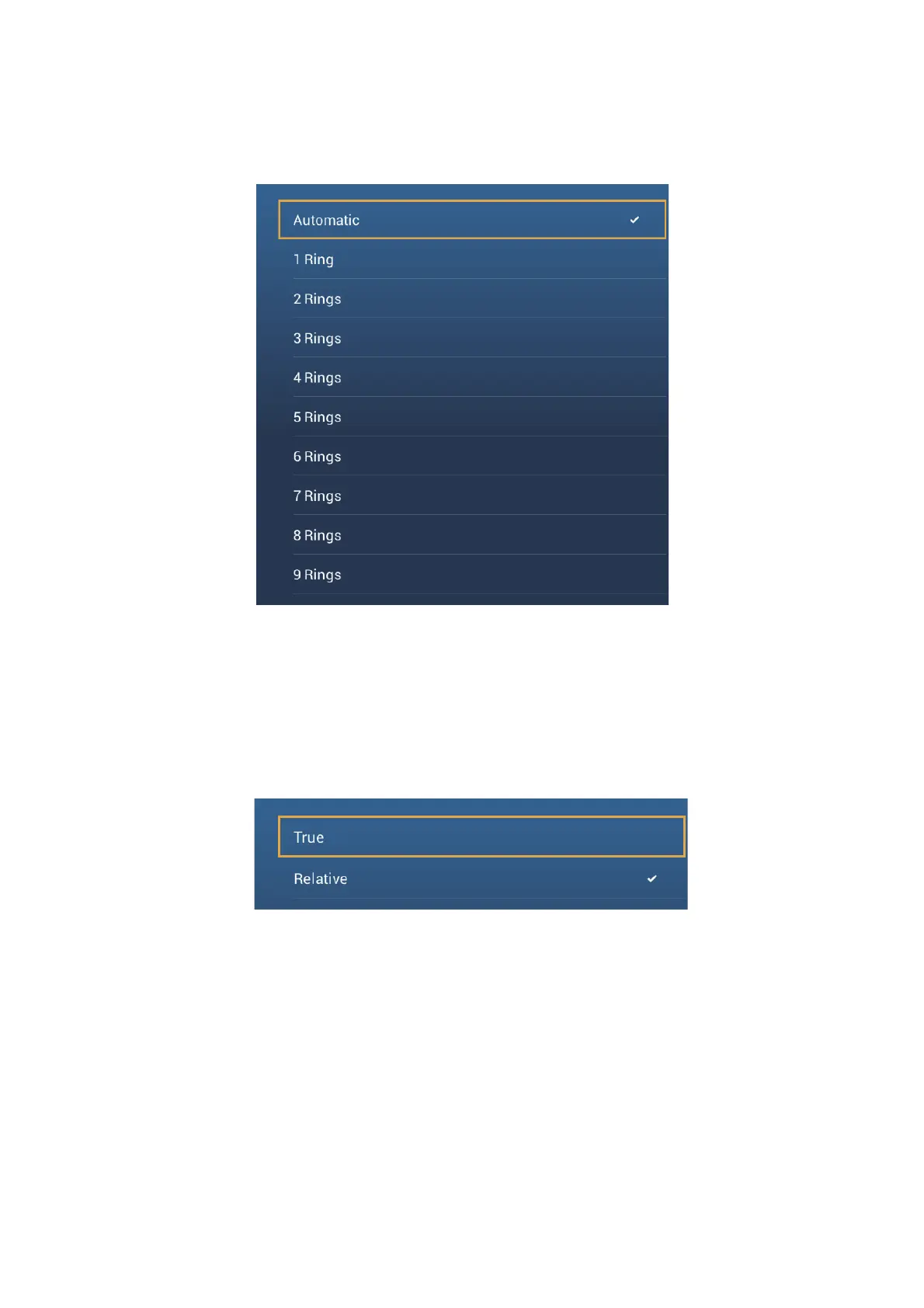
6.8.2 How to set the number of the range rings to show
1. Open the home screen, then tap [Settings] - [Radar].
2. Tap [Rings Interval].
3. Tap a number. [Automatic] automatically selects the number of rings according to
the range scale.
4. Tap the close button to finish.
6.8.3 How to select the range rings mode
To select the range rings mode, open the home screen, then tap [Settings][Radar].
Set [Bearing Scale Mode] to [True] or [Relative].













 To Next Page