12. INSTRUMENT-RELATED DISPLAYS
12-12
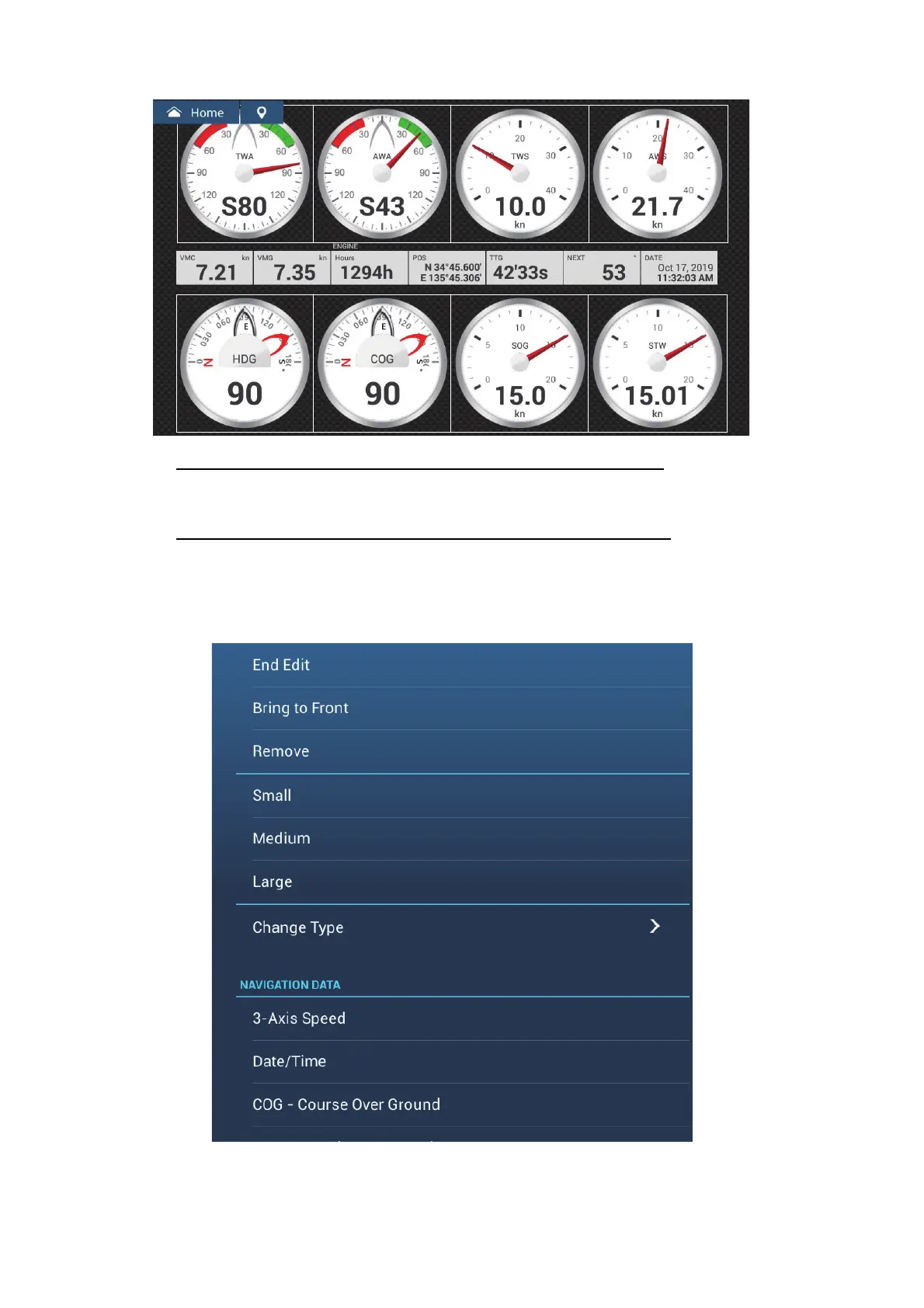
How to rearrange the indications in an instrument display
Drag and drop the indications to your liking.
How to edit, remove an indication in an instrument display
1. Prepare the display for editing as shown in "How to prepare for
editing" on page 12-11.
2. Tap the indication to process to show the [Edit Instrument] pop-up menu.













 To Next Page