14. AIS, DSC MESSAGE
14-10
14.14 AIS Transponder FA-30, FA-50
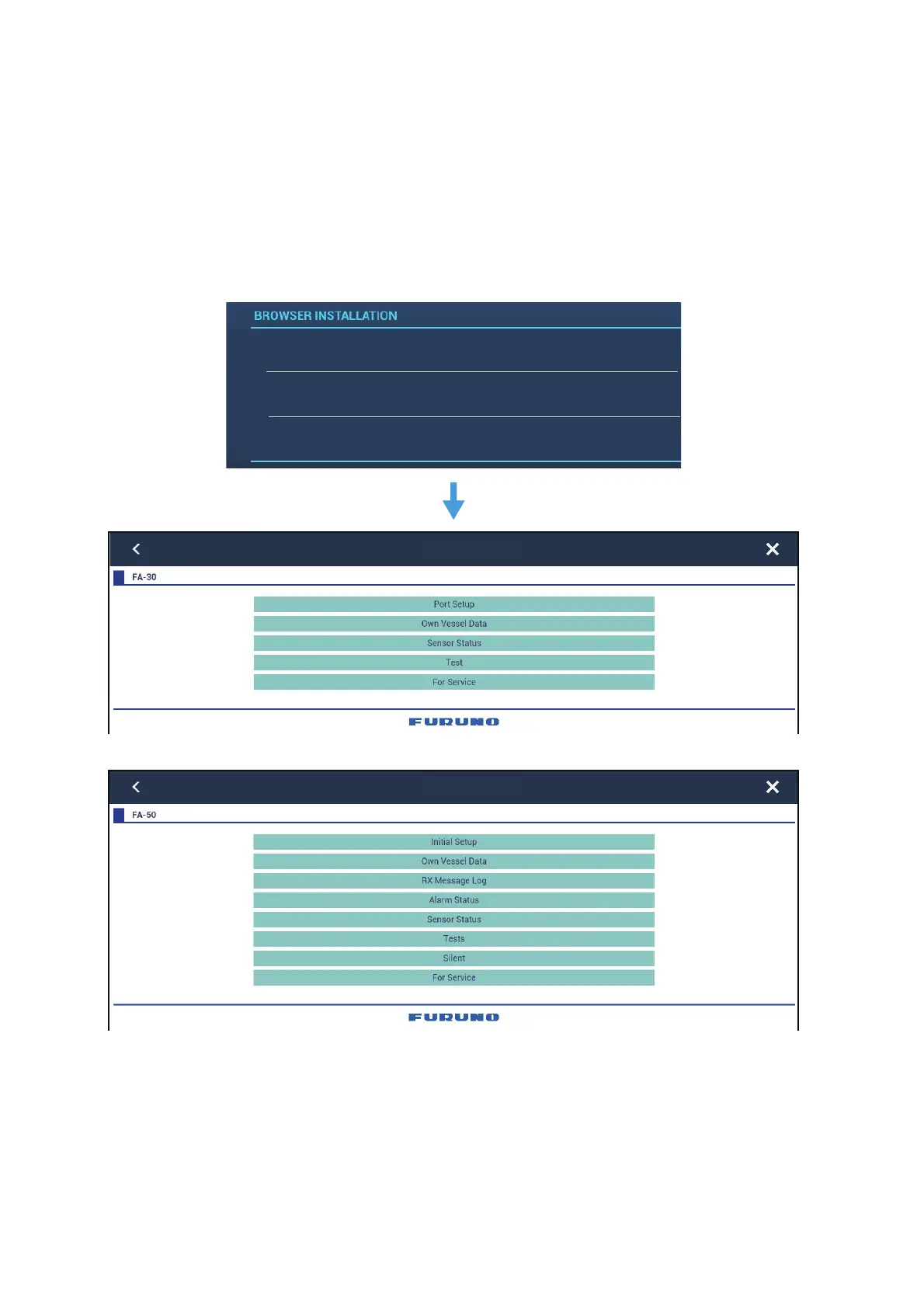
The FURUNO AIS Transponder FA-30 (or FA-50) installs in the NavNet TZtouch2 net-
work and can be controlled from a NavNet TZtouch2 display. To access the menu for
the transponder, do as shown below. See the respective operator’s manual for details.
1. Connect the FA-30 (or FA-50) to the NavNet TZtouch2 network.
2. Open the home screen, then tap [Settings] - [Initial Setup].
3. Tap [FA30 Browser] or [FA50 Browser].
OR
FAX30 Browser
FA30 Browser
FA50 Browser
FA-30 Browser
FA-50 Browser
Select an
“FA” browser













 To Next Page