Receiving a Call
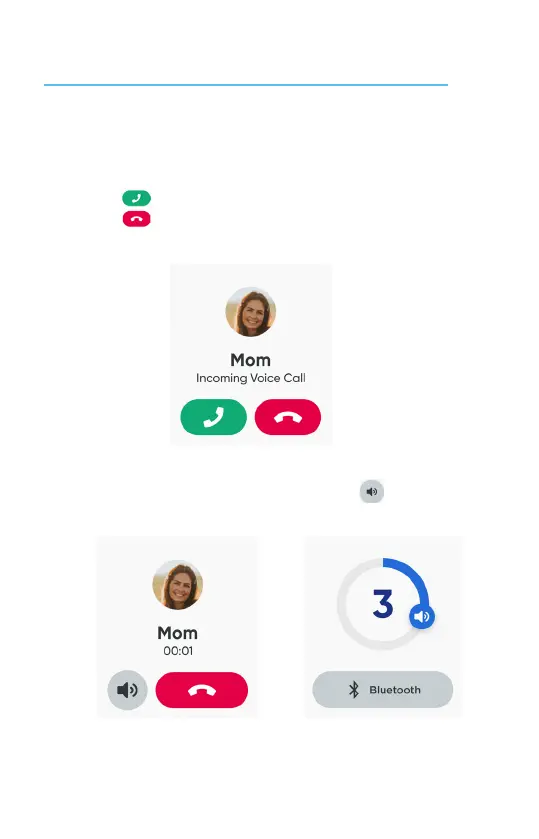
• Tap to answer the call.
• Tap to reject or end the call.
• To adjust the volume during the call, tap the volume icon.
NOTES: Making and receiving calls and messages requires network connecon.
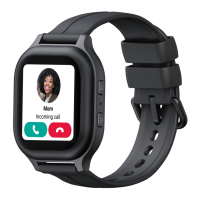
When the watch receives a call, it will ring and the screen will show the caller’s name.
17



 To Next Page