NOTES:
• Only use the supplied wireless charging cable for opmal charging performance.
• To avoid interference, do NOT place any object between the watch and the wireless
charging cable.
• If you don’t see the charging icon appear on your watch aer you place it on the
wireless charging cable, contact customer support for help.
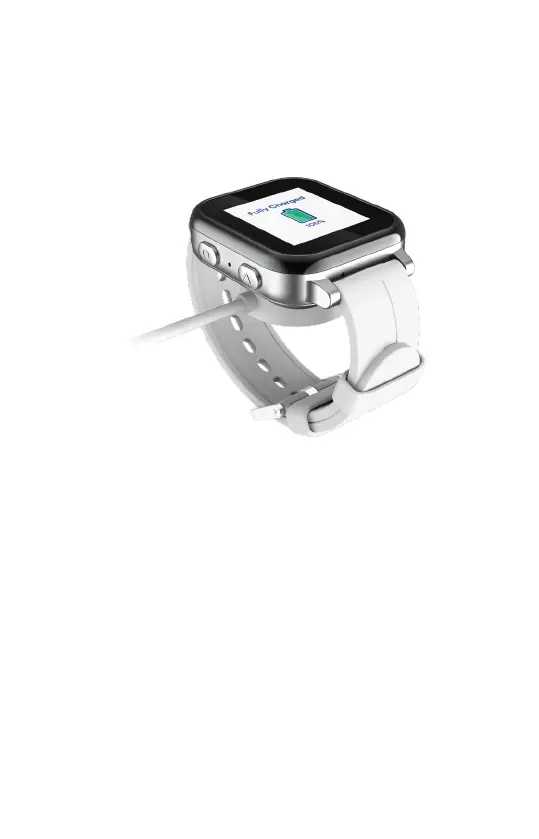
④ You should see the fully charged status on the screen of your watch when it is 100%
charged.
4


 To Next Page