7.13 Applications for the heavy input:
The door operator may operate two different hoist-way doors, one door is heavier than the other, in one
elevator. As a result, the setting of Torque, and Speed of one door may not be applicable for the other
door. More importantly, it may be a code violation issue due to the constraint of the kinetic energy and
the Torque allowance. The HEAVY input will resolve this issue. When the HEAVY input is activated, the
Drive will operate with a different set of Parameters for the heavier door.
In order to gain the access to the HEAVY set of Parameters, change the value of the Parameter 110 from
0 to 1. The HEAVY set of Parameters is located as follows:
Pr.11 Heavy Door Close Holding Torque
Unit: 0.1 %
Default: 3 %
Range: 0 ~ 30 %
Increase the setting when the motor torque in low speed range is insufficient.
Pr.12 Heavy Door Close Holding Speed
Unit: 0.1 Hz
Default: 2.0 Hz
Range: 0 ~ 400.0 Hz
Pr.13 Heavy Door Close Torque (Base Freq.)
Unit: 0.1 Hz
Default: 173.0 Hz
Range: 0 ~ 400.0 Hz
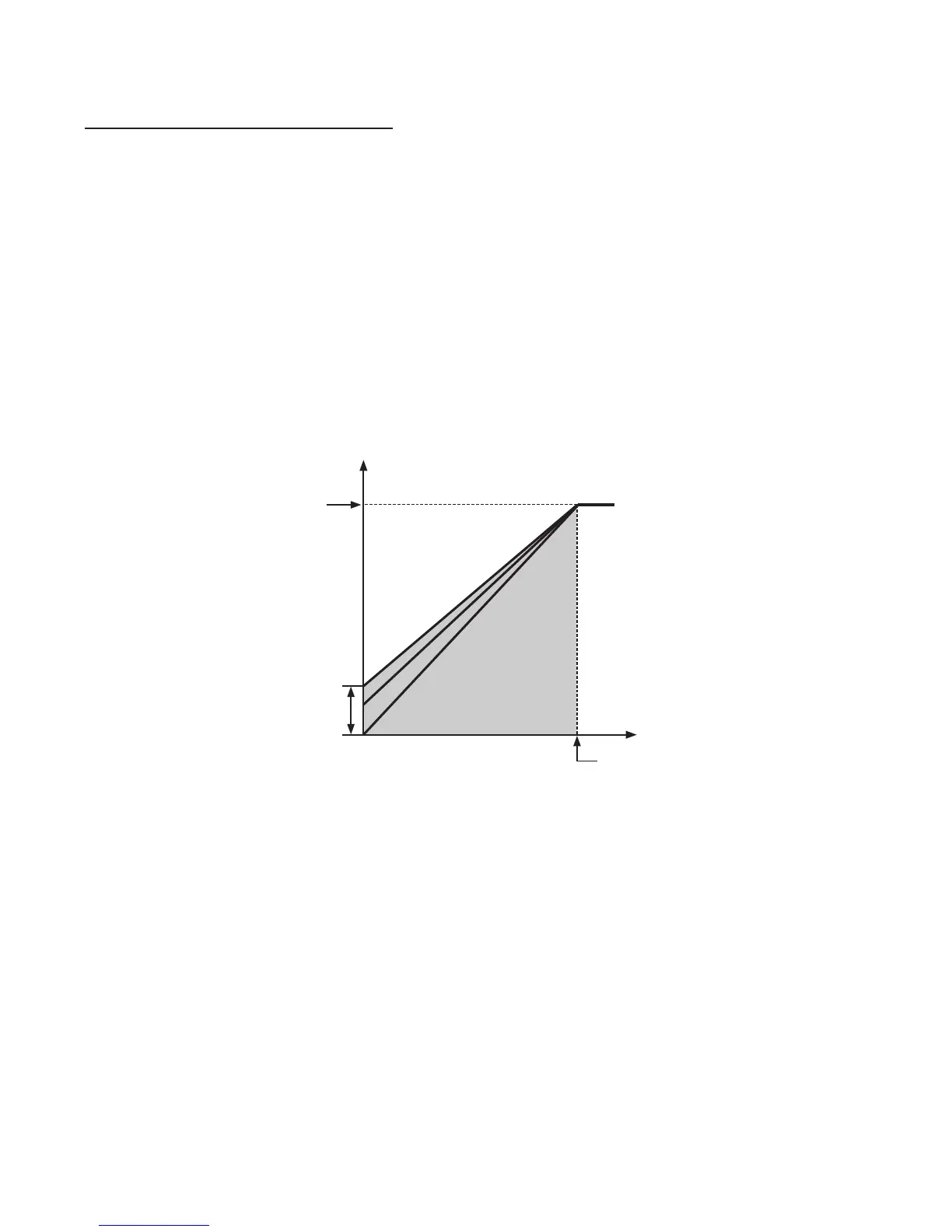
This parameter is used to adjust the AC drive output (voltage, frequency) to the motor rating.
Pr.14 Heavy Door High Speed Close (HSC)
Unit: 0.1 Hz
Default: 19.0 Hz
Range: 0 ~ 400.0 Hz
G.A.L. Manufacturing Corporation December, 2007
Pr.3
Pr.13
Pr.29
Pr.39
Pr.1
Pr.11
Pr.28
Pr.3
8
Setting range
Output frequency (Hz)
100 %
Pr.
57
Base frequency
Output voltage
0


 To Next Page