User Manual SmartScale 300
Page 12
Changing the drafting limit
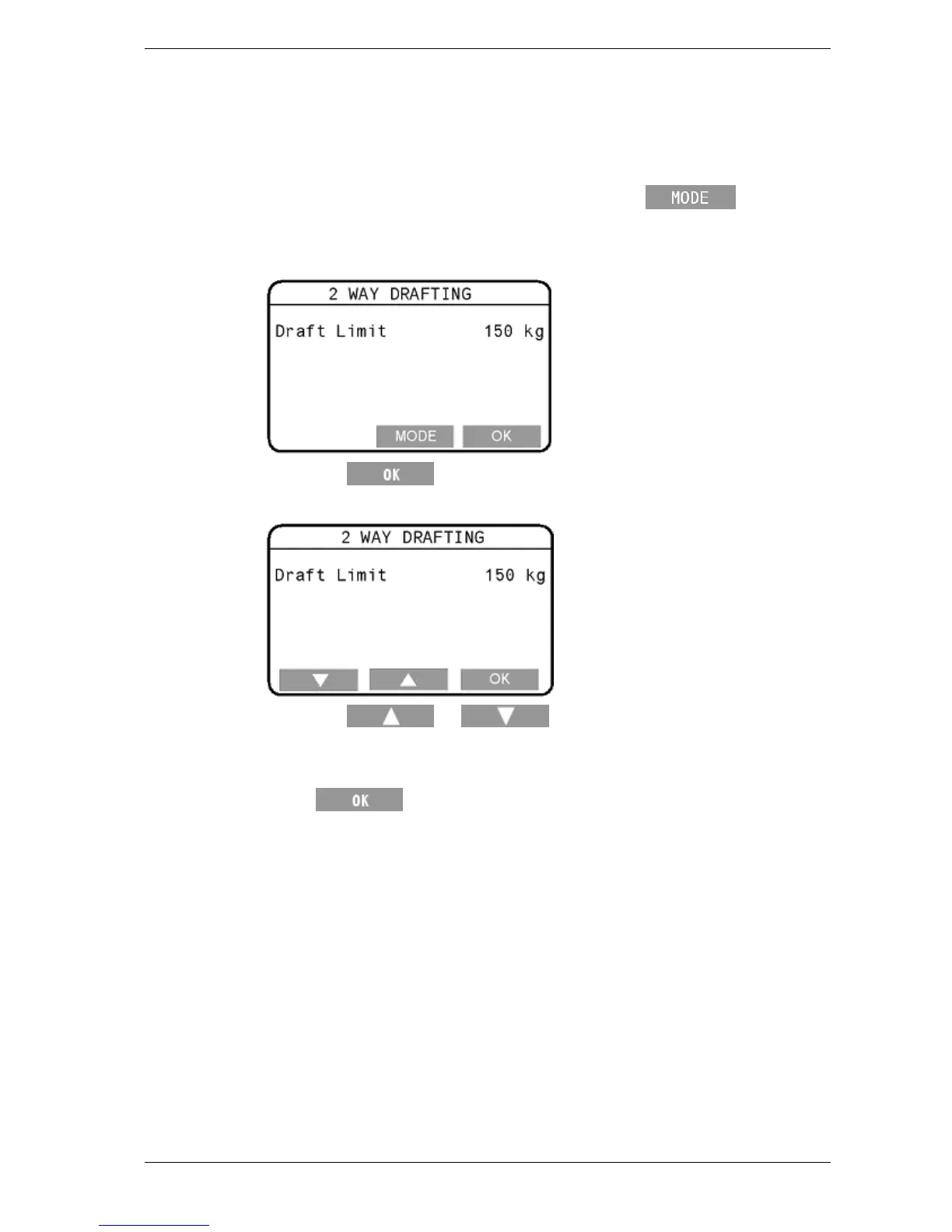
To change the drafting limit, follow these steps.
1. Select 1. DRAFT MENU from the setup menu.
2. If the Drafting Off screen displays, press the
button.
3. The current drafting limit will display on a screen that looks
similar to that below.
4. Press the
button to enter the edit mode. The screen will
change to look like that below.
5. Press the
or buttons repeatedly to change the
drafting limit one step at a time. If you press and hold down
either button, the limit will change rapidly.
6. Press
to save the currently-displayed drafting limit and
return to the setup menu.



 To Next Page