SmartScale 300 User Manual
Page 11
Drafting
The Draft Menu option lets you turn Drafting on or off and set a
drafting limit.
Turning Drafting on or off
To turn Drafting on or off, follow these steps.
1. Select 1. DRAFT MENU from the setup menu.
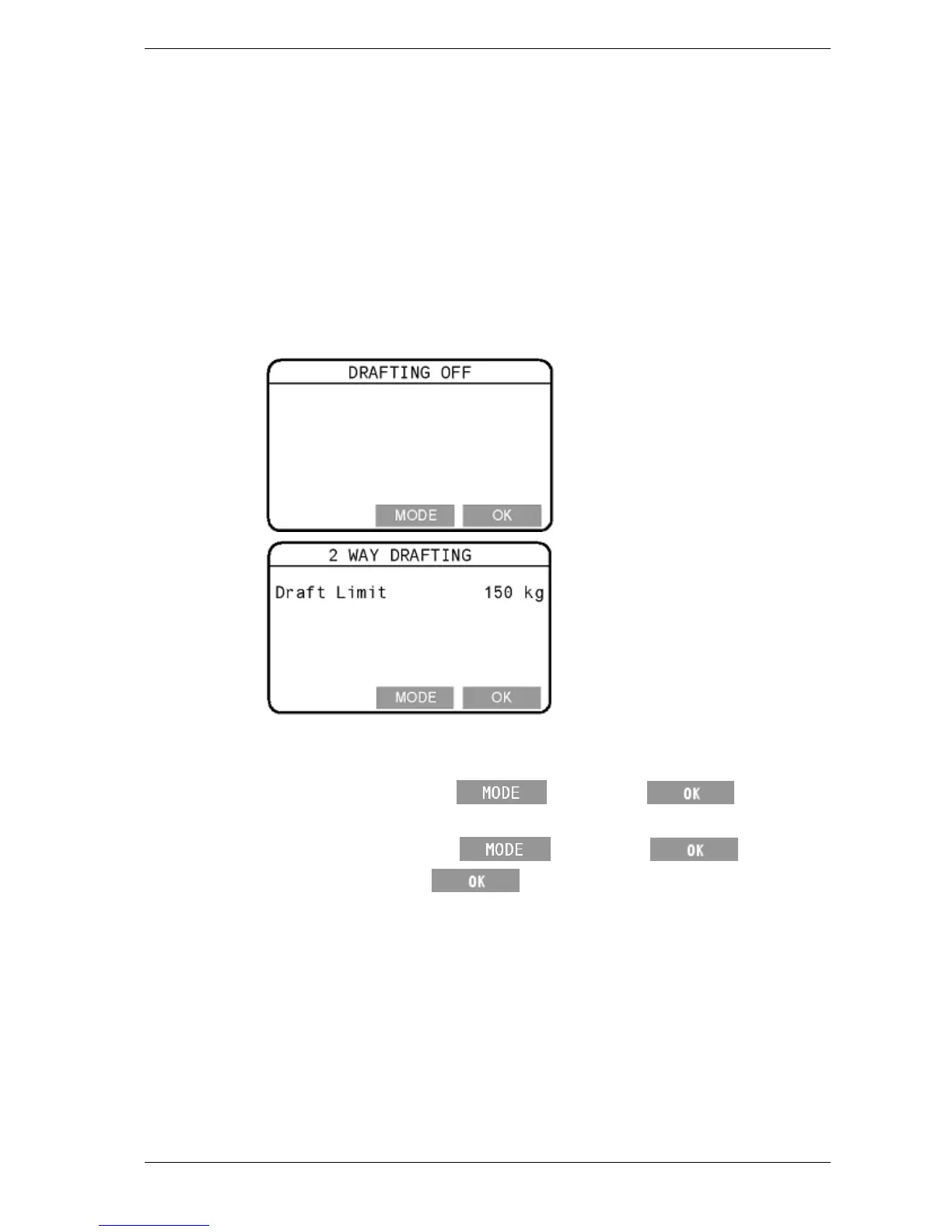
2. Depending on how the Scale was previously set up, either the
Drafting Off or the Two Way Drafting screen will display.
3. Depending on the screen displayed, do one of the following.
• If the Drafting Off screen appears and you want to turn
Drafting on, press
, then press twice.
• If the Two Way Drafting screen appears and you want to turn
Drafting off, press
, then press .
4. After you press the
button the final time, you will be
returned to the setup menu.



 To Next Page