User Manual SmartScale 300
Page 24
Clearing the statistics
If you want to clear the statistics, follow these steps.
1. Set the mode select switch to the Automatic, Manual or Fine
weighing mode.
2. Press the
button.
After you press the
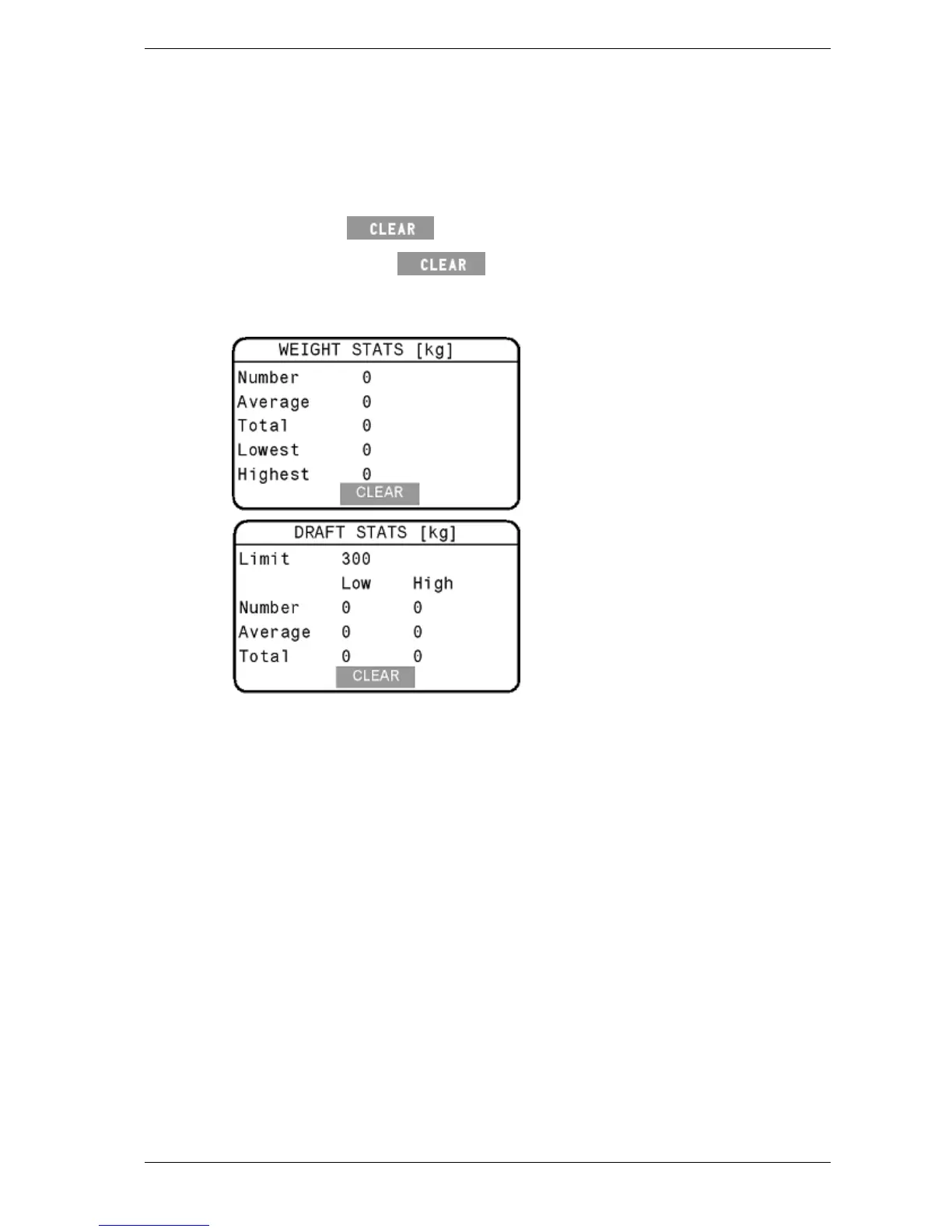
button, all values will be set to zero and
the lower screen will display as shown in the relevant illustration
below.
Note: Once the statistics have been cleared from the Scale they cannot be
recovered.



 To Next Page