SmartScale 300 User Manual
Page 31
Printing statistics during a weighing
session
To print statistics during a weighing session, follow these steps.
1. Connect the printer cable to the port on the Scale.
2. Turn the mode select switch to S to display the setup menu.
3. Select 3. COMMUNICATIONS.
4. Ensure the port is set to Printer.
5. Press
to return to the setup menu.
6. Select the required weighing mode by turning the mode select
switch to A (Automatic), M (Manual) or F (Fine).
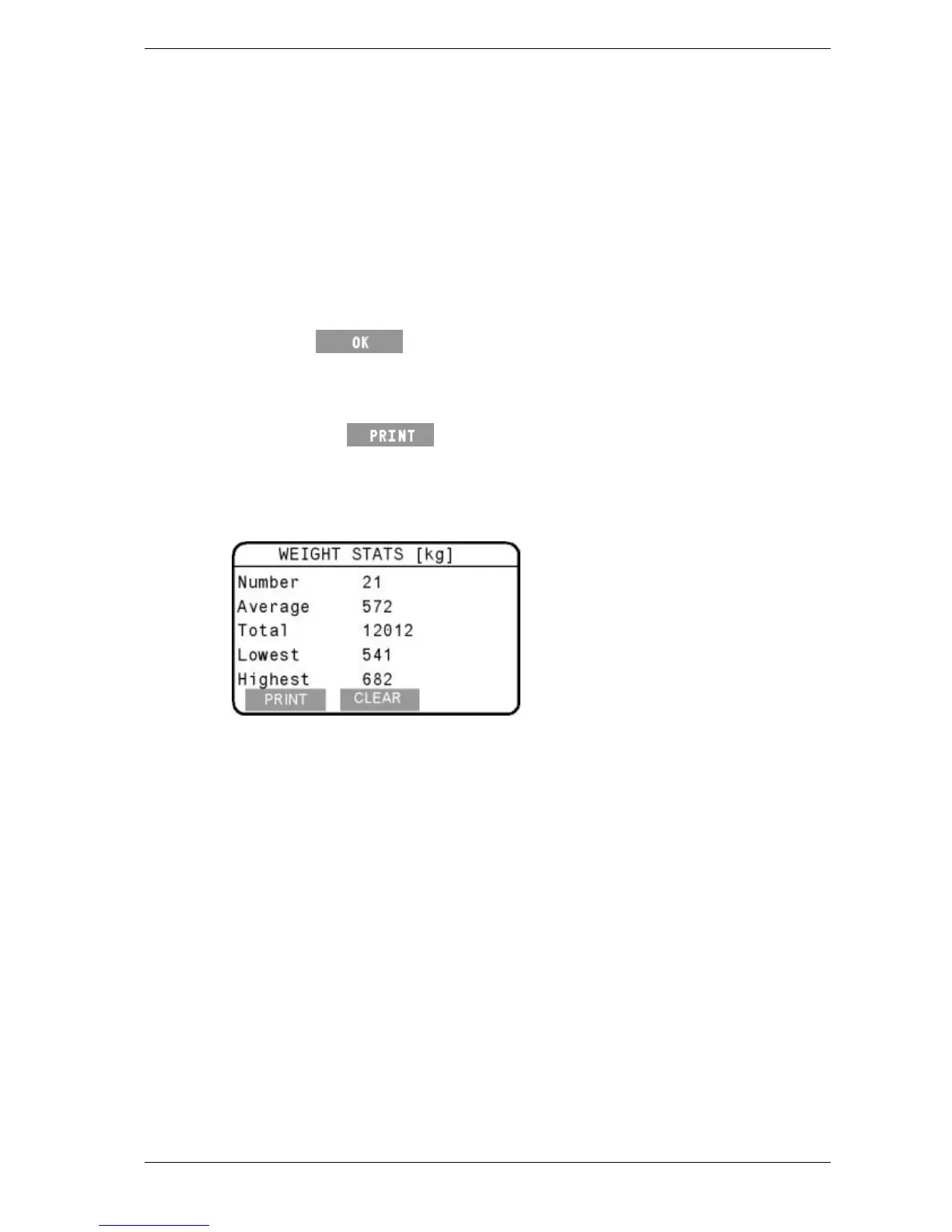
7. Press the
button on the Weight Stats or Drafting Stats
screen.
The statistics on the Weight Stats or Drafting Stats screen will be
printed.



 To Next Page