SmartScale 300 User Manual
Page 9
Setup
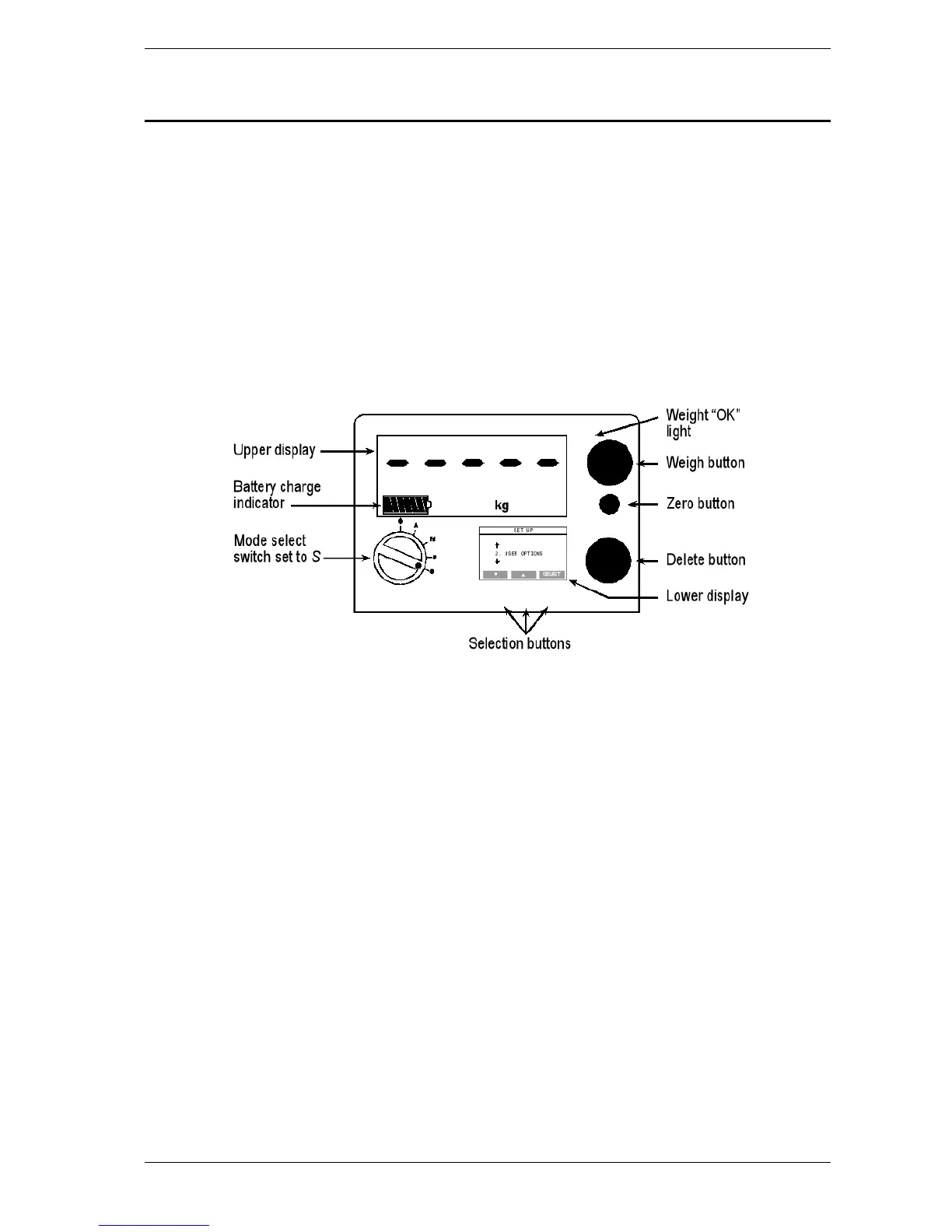
The setup menu contains four options:
1. DRAFT MENU - turns Drafting on or off.
2. USER OPTIONS - selects a unit of weight measurement and
enables live printing.
3. COMMUNICATIONS - sets up a connection to a device plugged
into the Scale's communications port.
4. SELECT COUNTRY - for a specific country, sets a language,
country-specific terminology and other option defaults.
To access the setup menu, turn the mode select switch to S.
The setup menu displays on the lower of the two Scale screens. Press
the buttons directly below this screen to select menu options.



 To Next Page