User Manual SmartScale 300
Page 14
Communications
You can connect a printer to the Scale. Optionally, if you have
selected the NZ/AU country option, you can connect the Scale to a
device that can respond to SmartScale protocols.
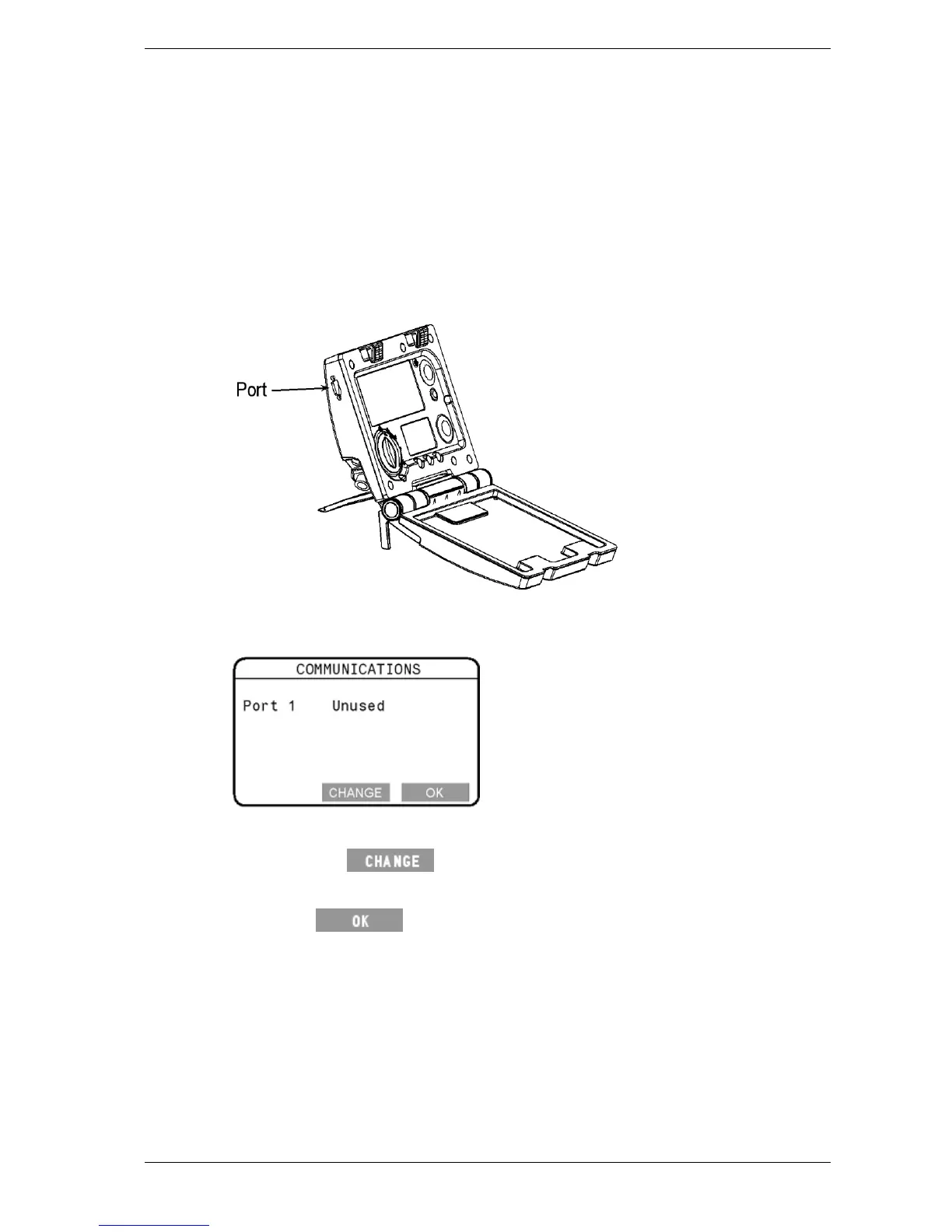
Connections are made to the port located on the upper left hand side
edge of the Scale.
If you attach a device to the port, you must configure the port to suit.
You do this from the Communications screen.
To display the Communications screen, select
3. COMMUNICATIONS from the setup menu.
To change the port setting, follow these steps.
1. Press the
button repeatedly until the required option is
selected.
2. Press
to save the setting and return to the setup menu.



 To Next Page