Page 15
GARDTEC
800 Series
User Manual
Programming User Codes
(Master code onl
y)
The charts on pages 2 & 41 should be completed by the engineer/user for future
reference of what codes have been allocated on your system. Under no
circumstances should the actual user code be written down.
If your installation company has given you keyswitches for the operation of your
system the last five user codes may have been reserved for use by these keyswitches.
If your engineer has indicated (see pages 2 & 44) that some
of the user numbers on your system have been reserved you
should not use them whilst programming user codes. If you
do so your system may be adversely affected
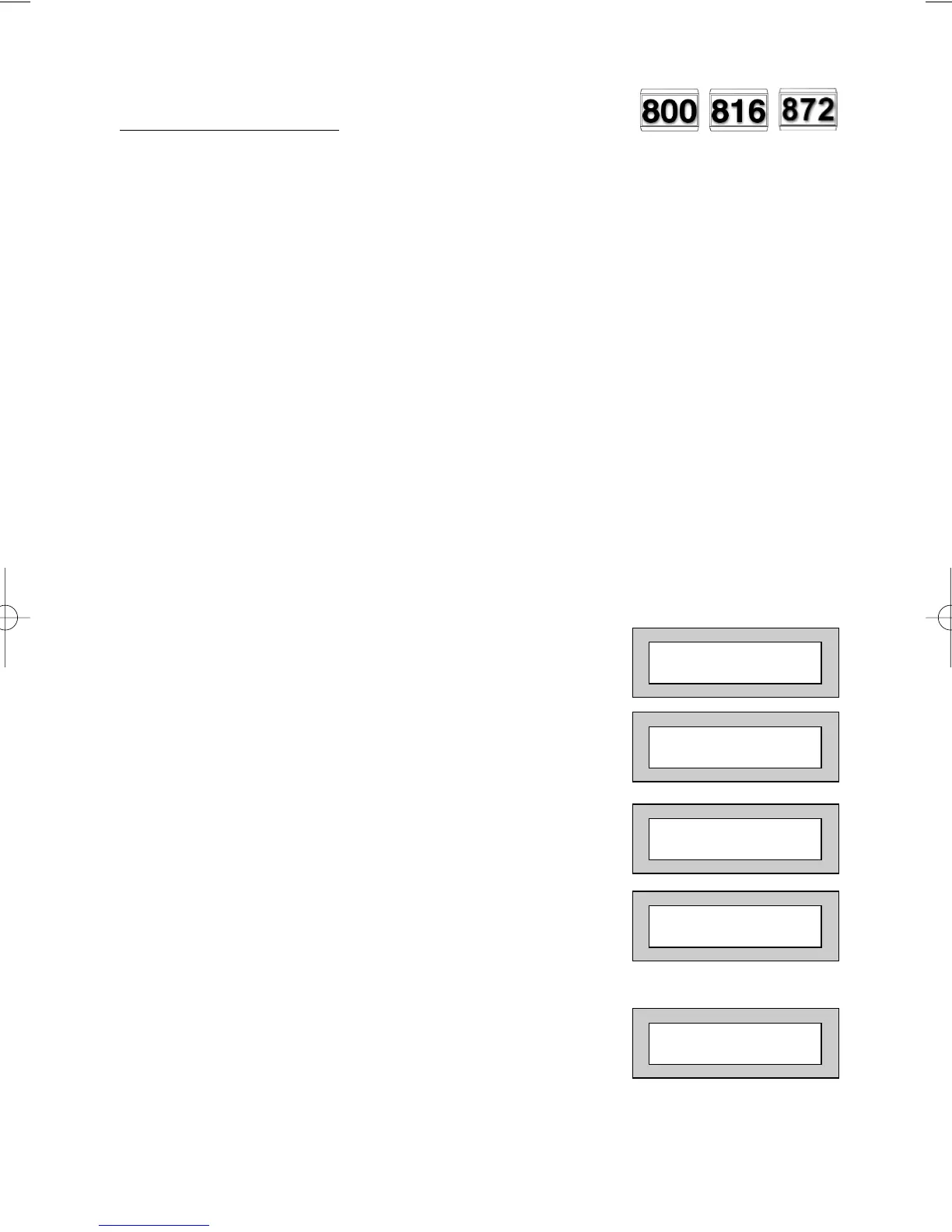
1) With the display showing:-
2) Enter a Master Code, the display will show:-
(User Names on 816 & 872 Only).
3) Press NO five times, the display will show:-
4) Press YES, the display will show:-
5) Enter the user number (1 to 99 for 872 or
1 to 15 for 800/816) that you wish to program
followed by YES, the display will show:-
01 JAN 18 : 58 : 01
Do you want to . .
SET the System ?
Do you want to . .
Prog. USER CODES ?
Enter User No. - -
(1- 99) Then YES
Now Enter Code . .
- - - - - - Then YES



 To Next Page