Page 16
GARDTEC
800 Series
User Manual
6) Enter the code you require, (codes may be 4,
5 or 6 digits) followed by YES.
(Entering 000000 will delete an existing code)
Note: If the code already exists an error will be shown,
choose another code and return to step 6
7) The display will show:-
(not if user 1 is being programmed).
8) Press NO until the Code Type you require is
displayed, then press YES. Display will show:
9) Code Groups are only used in conjunction with
controlling outputs. This is dealt with in the
Advanced Code Programming section of this
manual, Press YES to accept None.
10) The display will show, for example:-
11) If you wish to accept the name shown press
YES and jump to step 15
Or
If you wish to change the name shown press
NO, the display will show:-
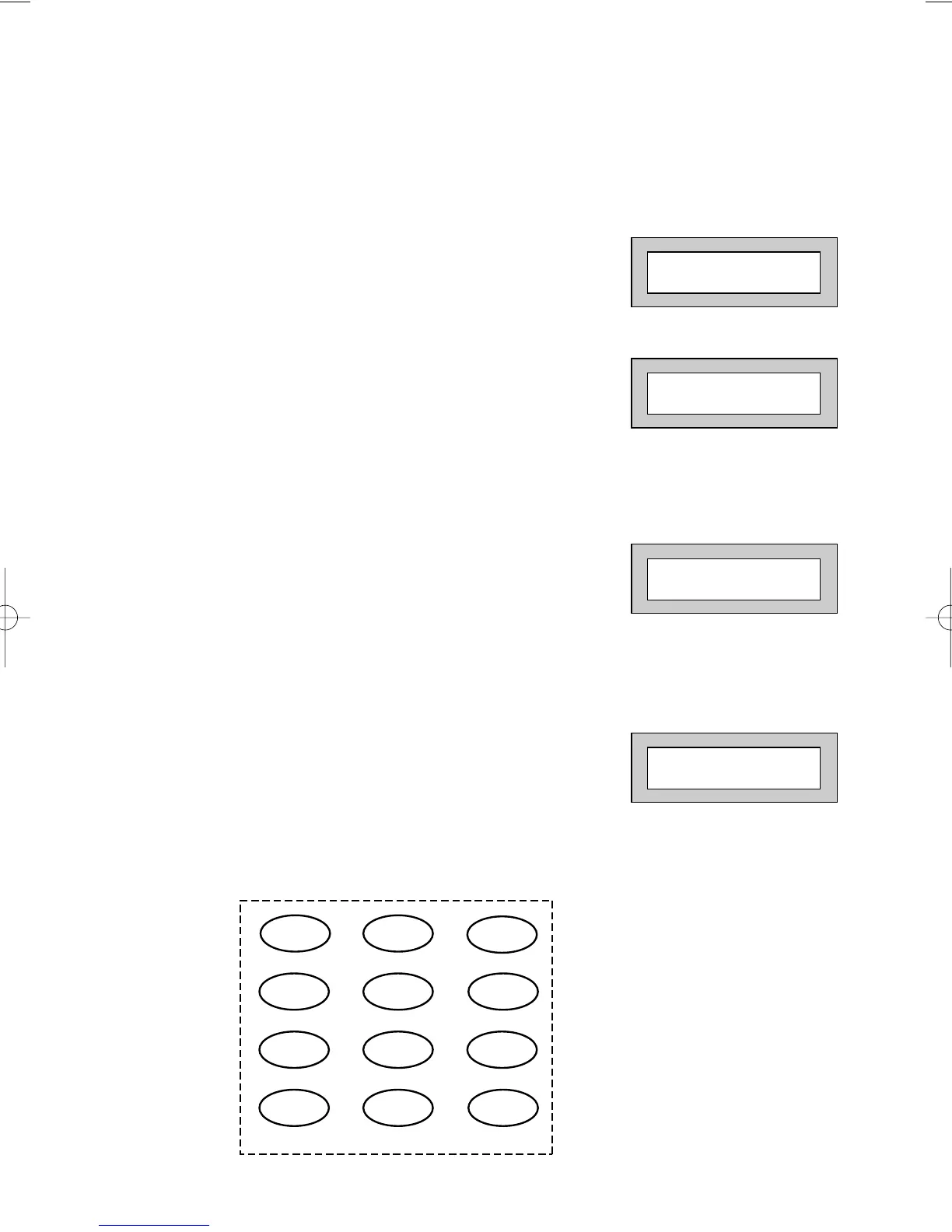
12) You may now enter up to nine characters for
the user name using the layout shown below
for the allocation of characters.
User 1 Name
= User 1
User 1 Name
>



 To Next Page