Rino
®
130 Owner’s Manual 35
UNIT OPERATION > NAVIGATION PAGE
Using Sight ‘N Go
To use Sight ‘N Go to navigate:
1. Use the Page button to access the Navigation
Page and then use the Thumb Stick to access
the Option Menu .
2. Use the Thumb Stick to highlight Sight ‘N Go
and press In. Note that the compass ring with
pointer is in-line with the two sighting marks on
the case.
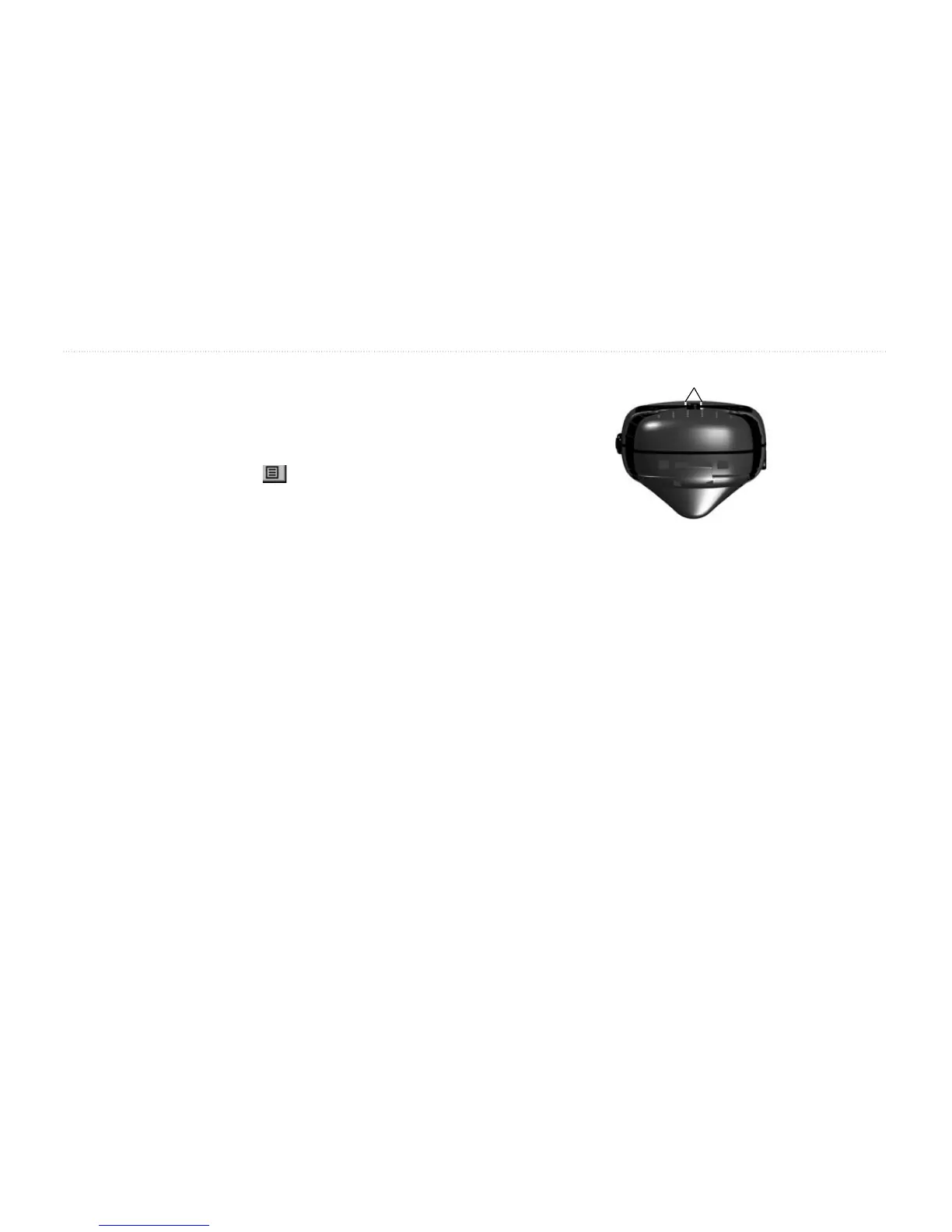
3. Hold the Rino 130 at eye level and line up the two
sighting marks on the case with the distant object.
Press the Thumb Stick to Lock Direction.
4. To navigate to your destination, select Set Course
and press the Thumb Stick. Begin traveling to
your destination using the pointer as a guide.
To view your destination as a waypoint, select
Project Waypoint and press the Thumb Stick. To
re-sight the destination, press the Thumb Stick In
when Re-Sight is highlighted.
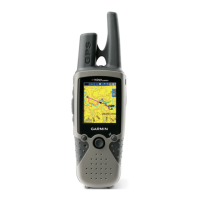
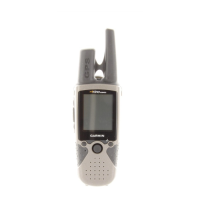
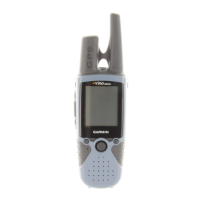
Rino 130 held level
for Sight ‘N Go
Sighting Marks
Calibrating the Compass
The Electronic Compass must be calibrated outdoors
when you first use the Rino 130 and after new batteries
have been installed. The accuracy of the Electronic
Compass is adversely affected if the unit is not held level
or is held near items that generate magnetic fields, such as
cars, large belt buckles, etc.


 To Next Page