84 Rino
®
130 Owner’s Manual
UNIT OPERATION > SETUP PAGES
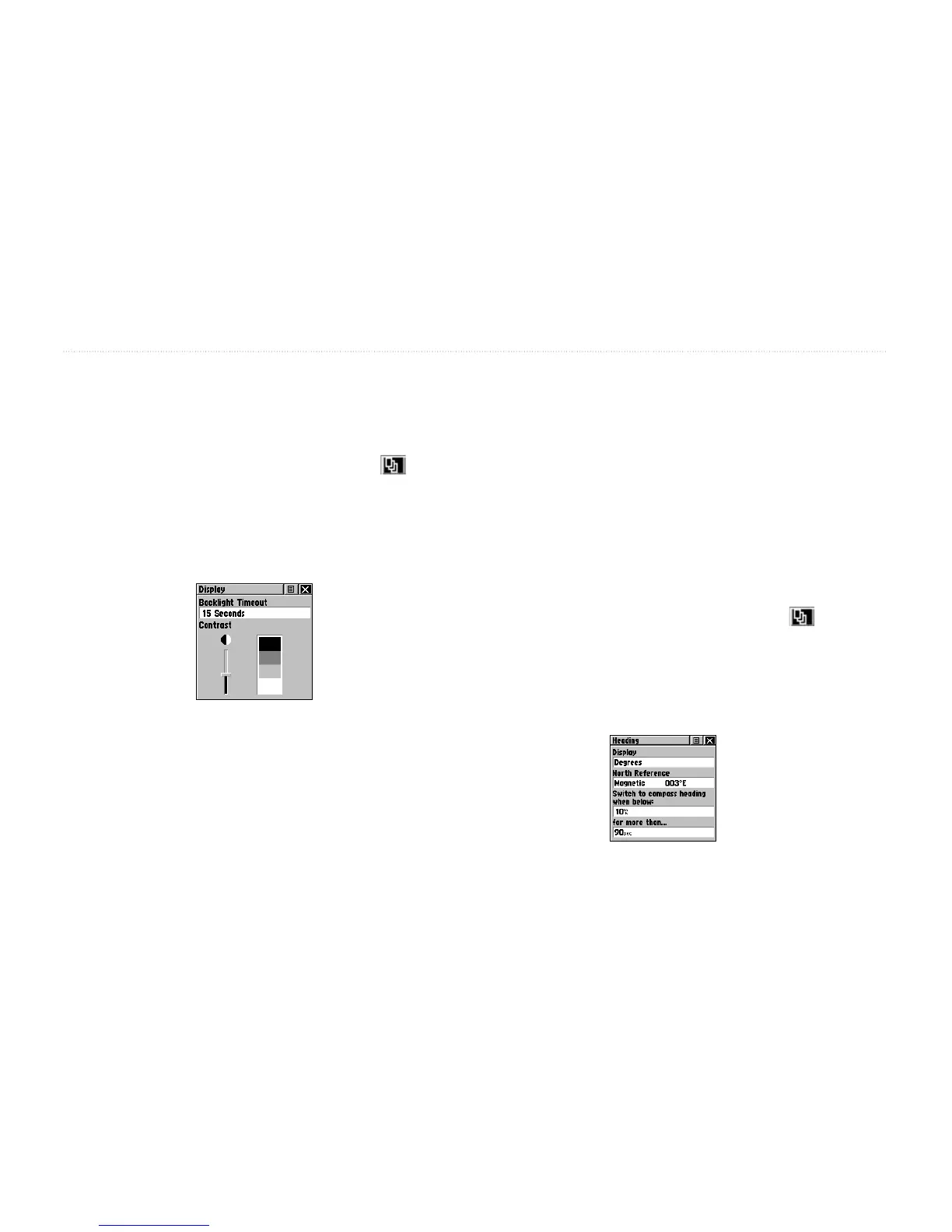
Contrast Adjustment—Can be adjusted from light to
dark using the slider adjacent to the contrast bar.
To access the Display Setup page:
1. Press the Page button or the Menu icon to
open the Main Menu.
2. In the Main Menu, scroll down and select Setup.
3. Select the Display icon to open the Display Setup
page.
Display Setup Page
To set the backlighting timeout:
1. Highlight the Backlight Timeout field and then
press the Thumb Stick In.
2. Highlight the desired option and then press the
Thumb Stick In.
To adjust the contrast:
1. Highlight the contrast slider and then press the
Thumb Stick In.
2. Move the Thumb Stick up or down to move the
slider to set the contrast.
Heading Setup Page
You can select the type of heading displays, the types of
North References, or enter the magnetic variation.
To access the Heading Setup page:
1. Press the Page button or the Menu icon to
open the Main Menu.
2. In the Main Menu, scroll down and select Setup.
3. Select the Heading icon to open the Heading
Setup page.
Heading Setup Page


 To Next Page