EasyManua.ls Logo

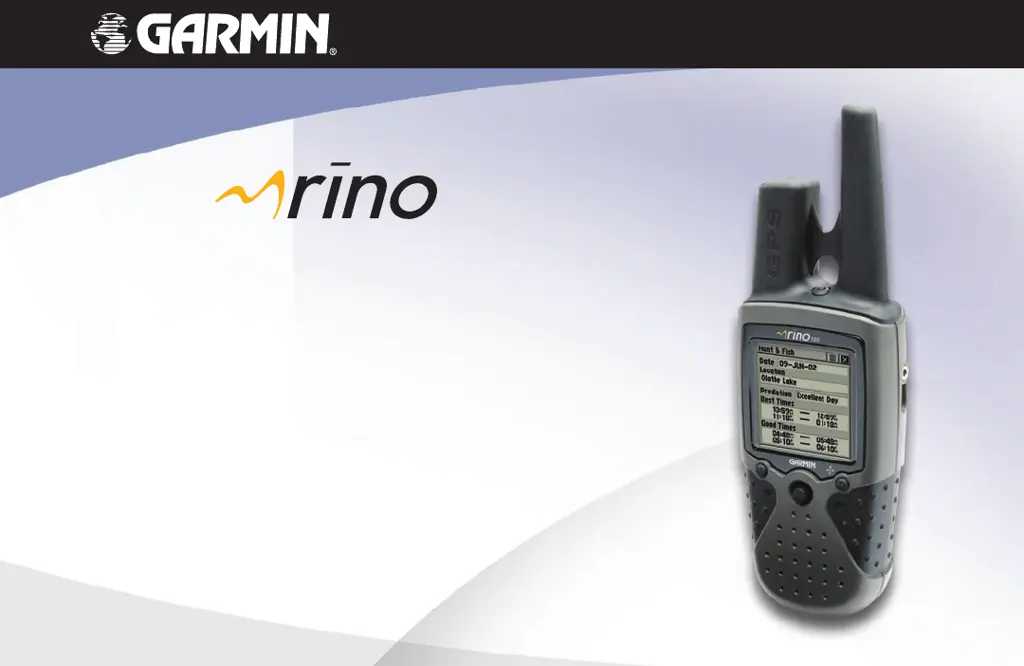
Garmin Rino 130 - User Manual

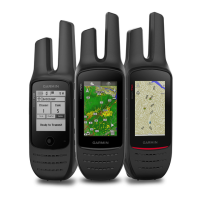
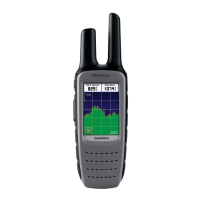
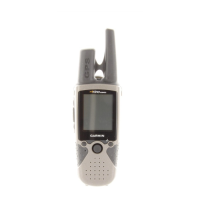
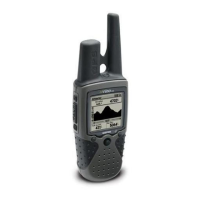
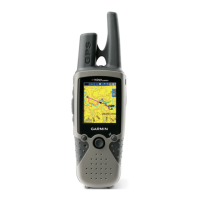
Garmin Rino 130
130 pages
Print Icon
To Next Page IconTo Next Page
Loading...
®
owner’s manual
130
2-way radio & personal navigator
®

Table of Contents

Other manuals for Garmin Rino 130

Questions and Answers

  • J
    jacobsyolandaAug 13, 2025
    Why does my Garmin Two-Way Radio take so long to get a location fix?
    • R
      Raymond GonzalezAug 13, 2025
      If your Garmin Two-Way Radio takes more than ten minutes to get a location fix, it might be because the unit's view of satellites is obstructed. Try moving to a location with a clear view of the sky.
  • M
    matthewbrownAug 16, 2025
    What to do if my Garmin Two-Way Radio does not turn on even with new batteries?
    • M
      Michelle HernandezAug 16, 2025
      If your Garmin Two-Way Radio does not turn on, even with new batteries, ensure that the batteries are installed correctly. If not, reinstall them. Also, make sure you press and hold the Power button for 2 seconds, instead of just pressing and releasing it.
  • N
    Nicholas ClarkAug 20, 2025
    Why can't my Garmin Rino 130 Two-Way Radio access a WAAS system satellite?
    • K
      Kevin HollandAug 21, 2025
      If your Garmin Two-Way Radio cannot access a WAAS system satellite after 2 to 5 minutes, it may be caused by an obstruction in your view of the satellite, or you may be located too far from satellites currently in service for the Americas. Move to a location with a clear view and point the unit antenna in the direction of the satellite. Also, check that the system GPS operation is set to ‘Normal’ and the interface is set to other than RTCM, or simply turn off WAAS.
  • D
    Dawn OwensAug 25, 2025
    Why can't my Garmin Rino 130 Two-Way Radio get a differential position from WAAS?
    • S
      Steven BellAug 25, 2025
      If your Garmin Two-Way Radio cannot obtain a differential position from WAAS, it may be because you have not collected enough information from the WAAS satellite. Wait 10–20 minutes for the initial collection, then 1–2 minutes afterwards.
  • J
    Janice FosterAug 27, 2025
    Why does my Garmin Rino 130 Two-Way Radio turn on, then turn off?
    • K
      Kelly PenaAug 27, 2025
      If your Garmin Two-Way Radio unit turns on, then turns off, the batteries may be nearly exhausted. Replace them.
  • V
    vangtroyAug 31, 2025
    How to see the panning arrow on the Map Page easily on Garmin Two-Way Radio?
    • A
      Amanda CohenSep 1, 2025
      If you cannot see the panning arrow on the Map Page easily on your Garmin Two-Way Radio, it may be because there is too much map clutter, or the scale is such that map features are too densely displayed. Use the Map Page Setup Page to reduce map clutter or change the map scale.
  • C
    Christopher ScottSep 4, 2025
    Why can't my Garmin Rino 130 Two-Way Radio access Point of Interest, Street, or Intersection Find Lists?
    • J
      Jane LeblancSep 4, 2025
      If your Garmin Two-Way Radio cannot access Point of Interest, Street, or Intersection Find Lists, the MetroGuide map data is not activated. Access the Map Setup ‘Map’ option and activate the check box.
  • K
    Karen LucasSep 8, 2025
    How to view a track being laid down on the map page on Garmin Two-Way Radio?
    • D
      Donald VelazquezSep 8, 2025
      If you cannot view a track being laid down on the map page when traveling with your Garmin Two-Way Radio, the Track Log feature is turned Off. Access the Tracks Page, highlight the ‘On’ button and press the THUMB STICK IN.

Summary

Introduction

Safety Information

Important safety precautions, warnings, and guidelines for using the device.

Overview

Rino 130 Overview

Provides a general description of the Rino 130 unit's features and capabilities.

Operating the Rino 130

Instructions on how to use the Thumb Stick, Option Menu, and button lock.

Reference

Radio Page

Details about the Radio Page, including overview, initialization, and settings.

Map Page

Information on the Map Page, its overview, options, and setup procedures.

Features

Appendix

GPS Troubleshooting Guide

Troubleshooting common GPS-related issues and their solutions.

Radio Troubleshooting Guide

Troubleshooting common radio transmission and reception problems.

Garmin Rino 130 Specifications

General IconGeneral
Outdoor (hiking, trekking)Yes
Marine (chartplotters, sounders)No
Routes quantity20
Number of waypoints500
Form factorHandheld
Grayscale levels4
Display resolution160 x 160 pixels
RS-232 ports1
Internal memory24 MB
Number of tracklog points10000
Battery typeAA
Battery life (max)14 h
Number of batteries supported3
Weight and Dimensions IconWeight and Dimensions
Depth16 mm
Width58 mm
Height114 mm
Weight236 g

Related product manuals