2 Rino
®
130 Owner’s Manual
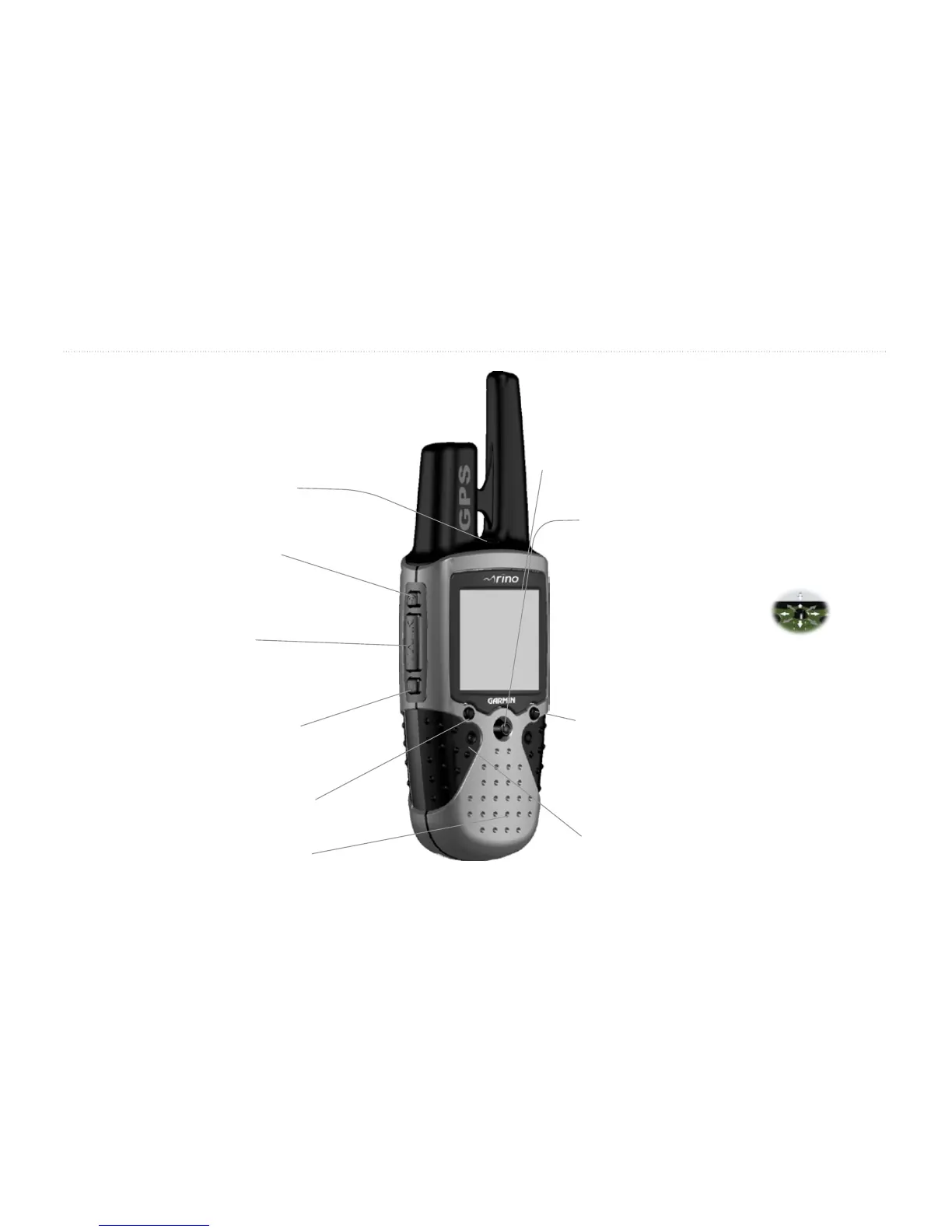
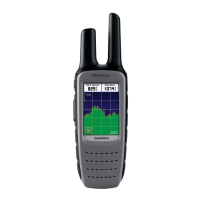
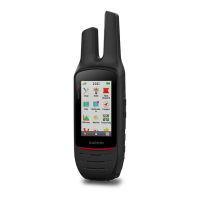
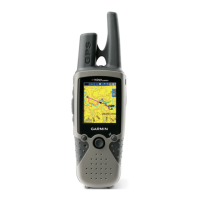
GETTING STARTED > FRONT OF THE RINO 130
Front of the Rino 130
Power button:
• Press and hold to turn the unit On/Off
• Press to adjust contrast and backlighting
Call button:
• Press to send out Call Tone
• Sends position when released
(if enabled)
Talk button:
• Press and hold to talk
• Sends position when released
(if enabled)
LCD Display
Page/Quit button:
• Press to cycle through main pages
• Used to quit or escape menu items
Volume (V) button:
• Press to open volume control window
Microphone:
• Hold unit 3-4 inches away when talking
Zoom/Map (Z) button:
• From the Map Page, press to open Zoom
control window
• From any other page, press to display Map
Page and press again to open Zoom control
Speaker
Thumb Stick
• Press In to enter highlighted options and to
confirm messages
• Move Up, Down, Right or Left to move
through lists, highlight fields, on-
screen buttons, icons, enter data,
or move the map panning arrow
• Press In and hold to display
Shortcuts Menu.


 To Next Page