Rino
®
130 Owner’s Manual 57
UNIT OPERATION > FIND 'N GO
Finding a Point of Interest
You can use the Find Points of Interest option to locate
a nearby restaurant, lodging, landmark, public building,
park, etc. However, you must have transferred a
MapSource MetroGuide map to the unit map database.
Otherwise, this option, plus Address and Intersection
options, are grayed out and are not functional. Here is a
list of Point of Interest categories:
• Food & Drink • Services
• Lodging • Transportation
• Attractions • Emergency & Govt.
• Entertainment • Manmade Places
• Shopping
In many instances, these categories are subdivided into
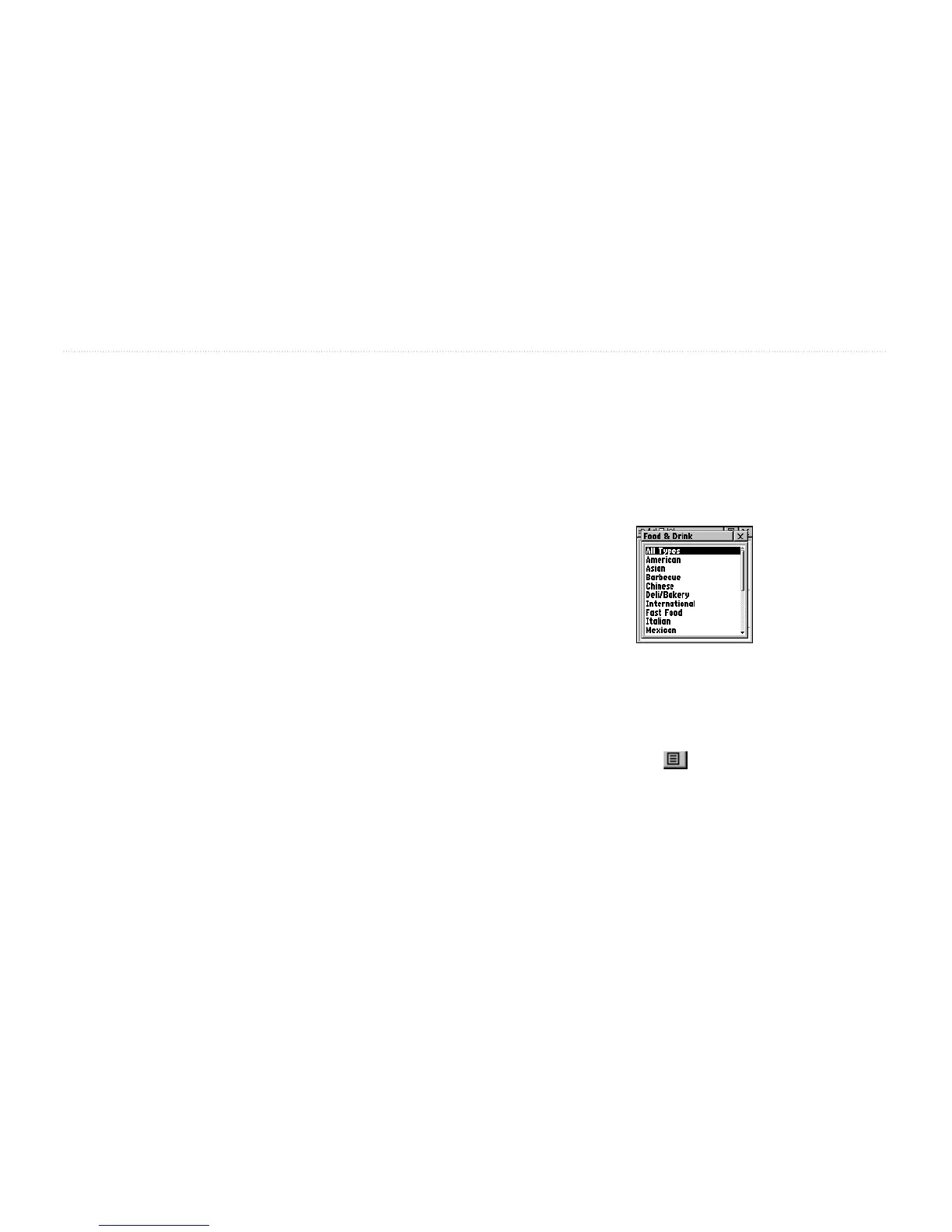
types, such as in the instance of Food & Drink. When you
select Food & Drink from the list of categories, you are
then presented with a list of types that includes All Types
and cuisine options such as American, Asian, Barbecue,
Chinese, and many more.
Food & Drink types
Once you have selected an item, you can display the
Information Page for that item. You can then use the on-
screen buttons to Goto or view the location on the Map;
or use the Option Menu for more choices.


 To Next Page