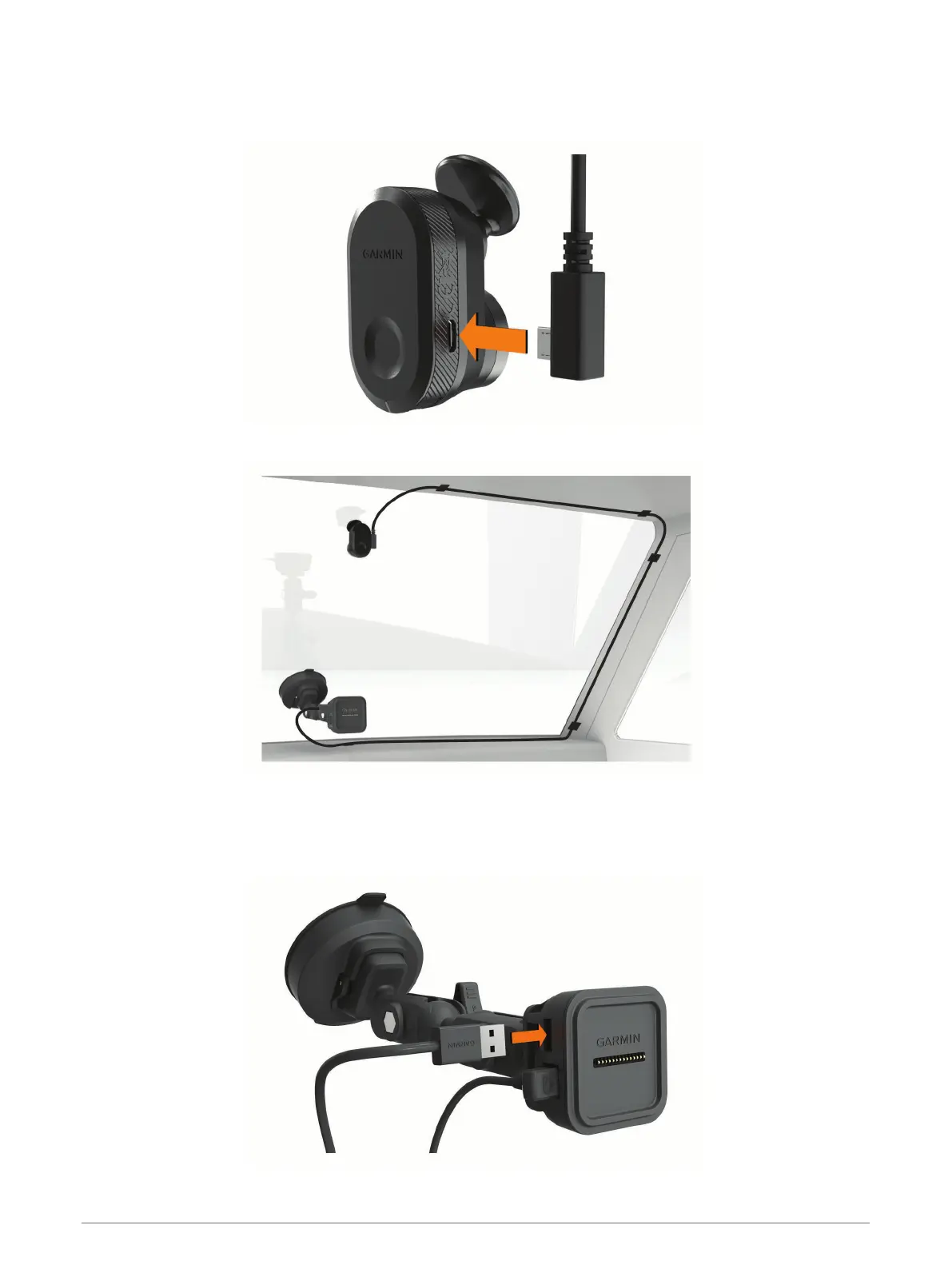
Connecting the Camera Cable
1 Plug the camera cable into the micro-USB port on the camera.
2 Route the camera cable around your windshield so it does not obstruct your view of the track.
The cable is designed to be routed out of sight. To hide the cable, route it behind the vehicle trim along the
windshield, doorframe, or dash.
3 If necessary, use the included adhesive cable clips to secure the camera cable to the frame of your vehicle.
4 Connect the camera cable to the USB port on the magnetic mount.
6 Installation









 To Next Page