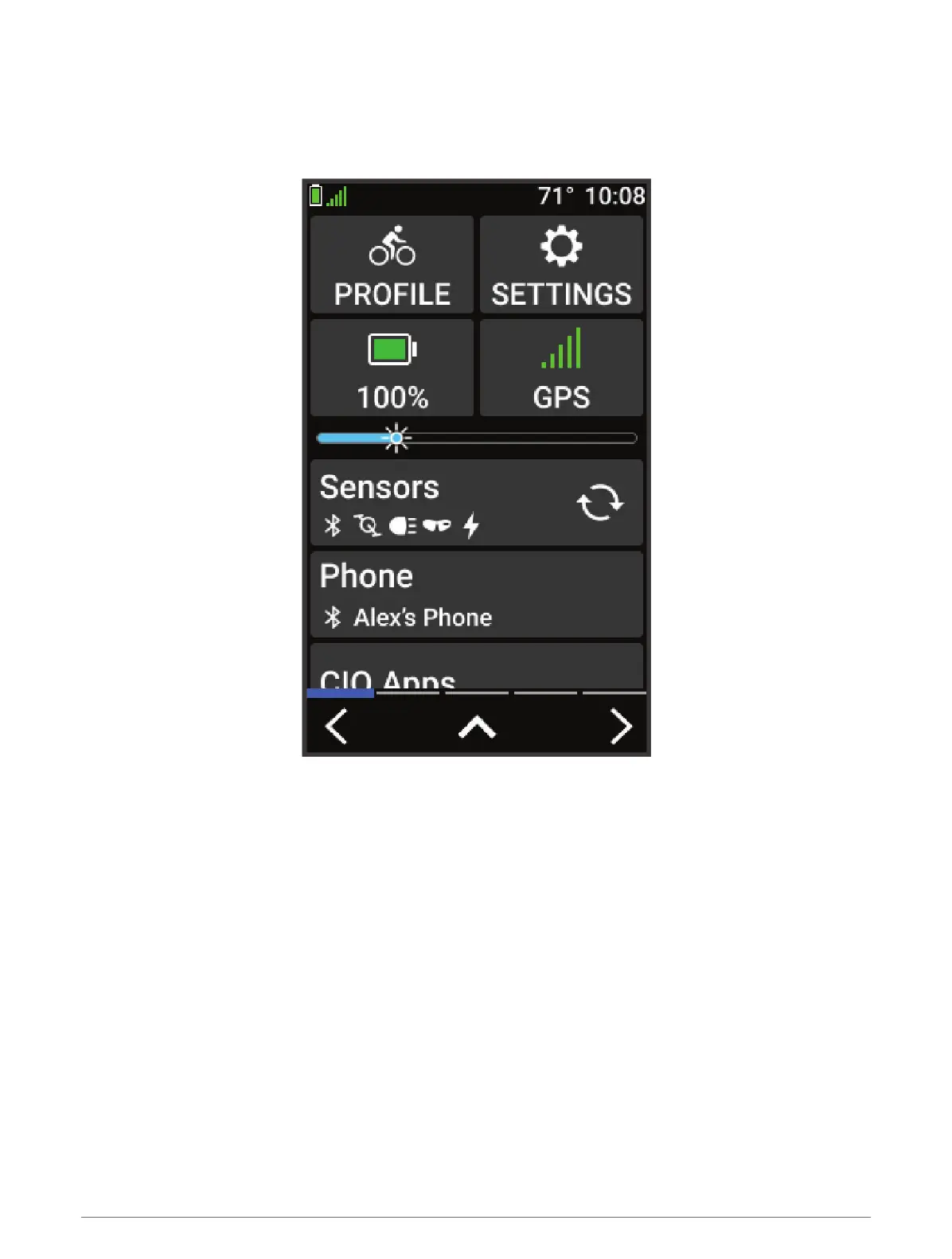
Viewing Widgets
Your device is preloaded with several widgets, and more are available when you pair your device with a phone or
other compatible device.
1 From the home screen, swipe down from the top of the screen.
The settings widget appears. A flashing icon means the device is searching for a signal. A solid icon means
the signal was found or the sensor is connected. You can select any icon to change the settings.
2 Swipe left or right to view more widgets.
The next time you swipe down to view the widgets, the last widget you viewed appears.
4 Introduction



 To Next Page