Biking profile
Swipe left or right to change the biking profile.
Select to open the biking profile.
Widgets
Swipe down from the top of the screen to view the widgets, then swipe left or
right to view more widgets.
Electrical contacts
Charge using an external power accessory.
NOTE: Not available on all models.
NOTE: Go to buy.garmin.com to purchase optional accessories.
Home Screen Overview
The home screen gives you quick access to all the features of the Edge device.
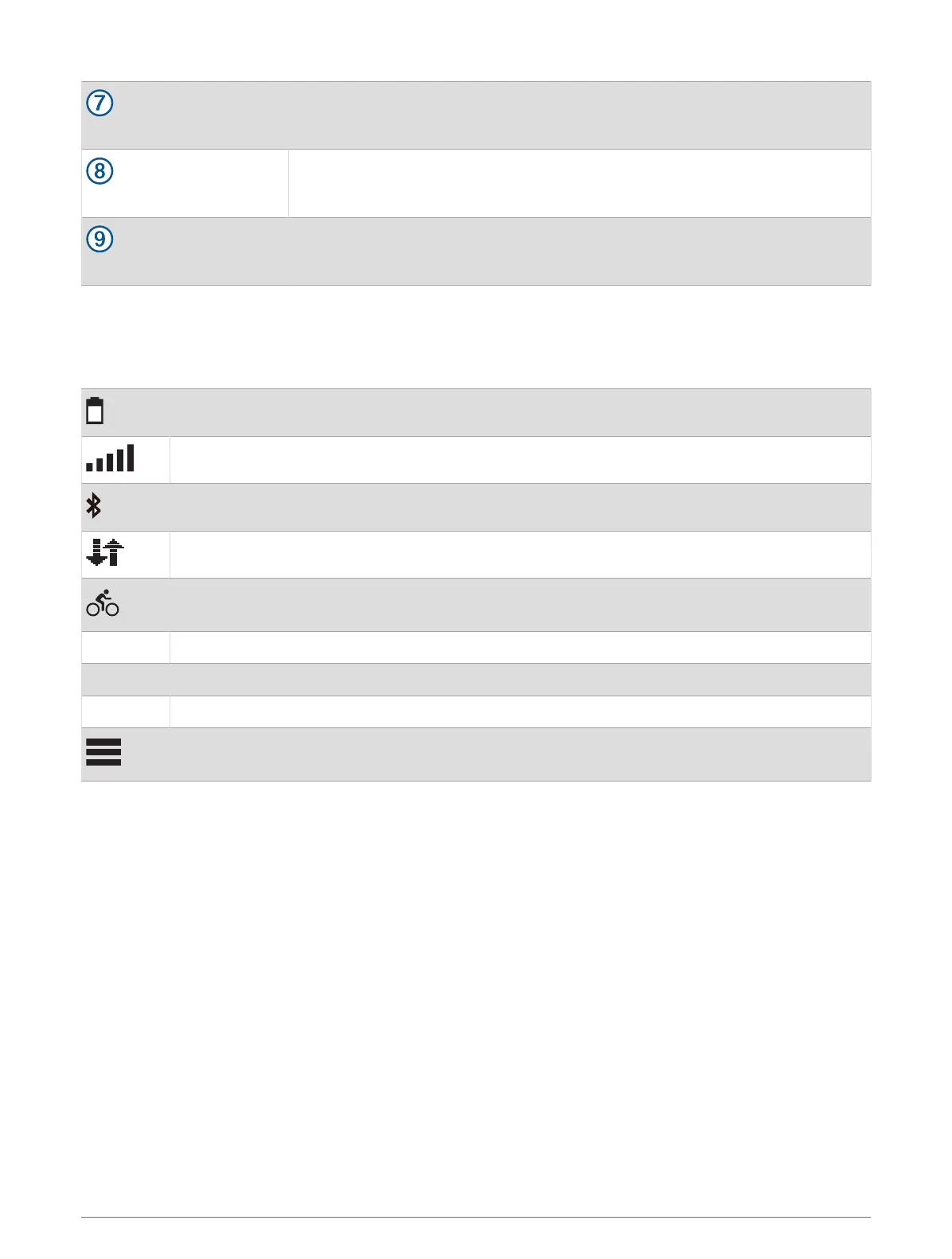
Battery status
GPS signal strength
Bluetooth
®
status
Sync in progress
Select to go for a ride.
Use the arrows to change the biking profile.
Navigation Select to browse the map, mark a location, search for locations, points of interest, or addresses.
Courses Select to create a new course or access a saved course.
History Select to access your previous rides and totals.
Select to access connected features, personal records, contacts, and settings.
Select to access your Connect IQ
™
apps, widgets, and data fields.
Introduction 3



 To Next Page