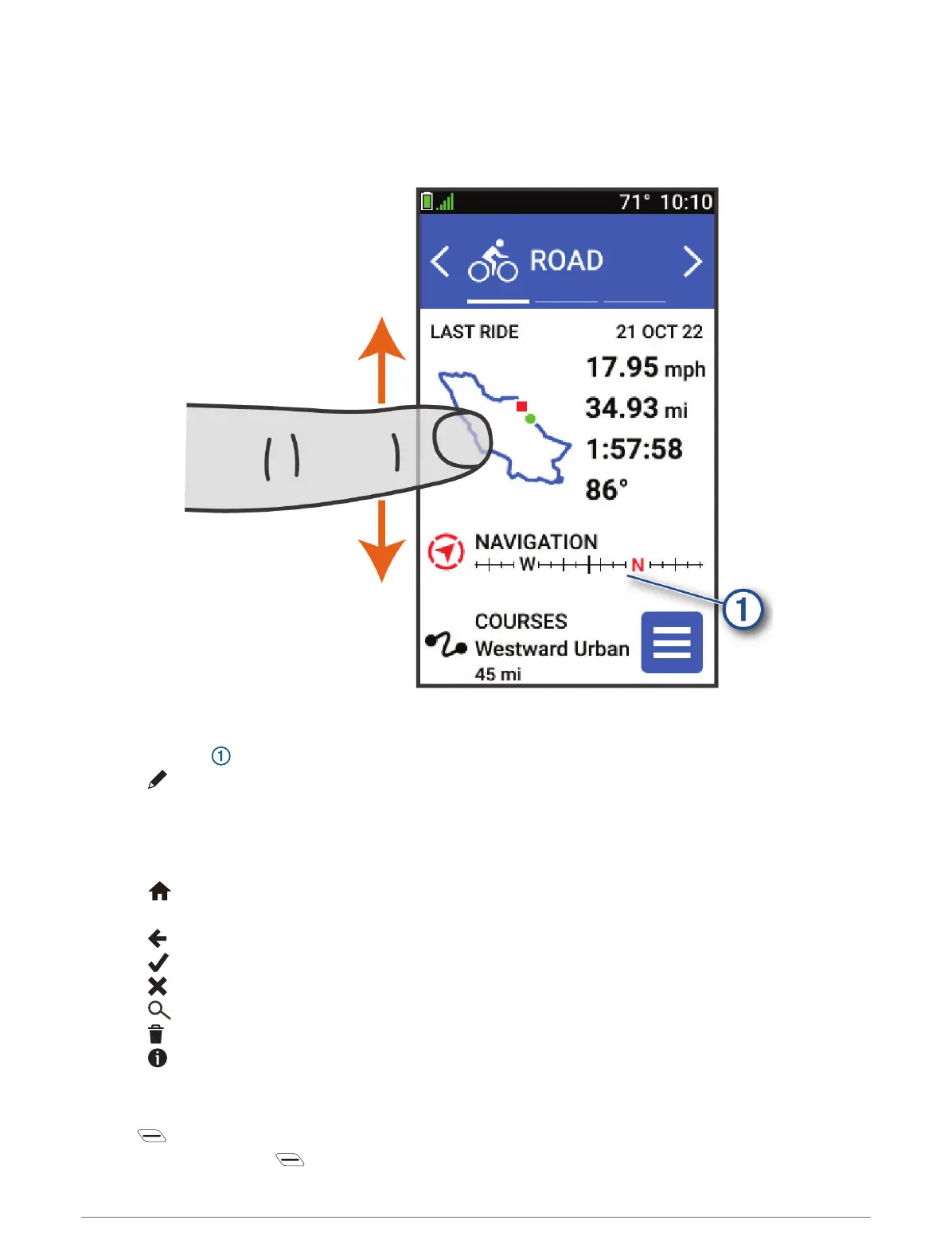
Viewing Glances
Glances provide quick access to health data, activity information, built-in sensors, and more.
• From the home screen, swipe up or down.
The device scrolls through the glances.
• Select a glance to view additional information.
• Select to customize the glances (Customizing the Glances, page 42).
Using the Touchscreen
• When the timer is running, tap the screen to view the timer overlay.
The timer overlay allows you to return to the home screen during a ride.
• Select to return to the home screen.
• Swipe or select the arrows to scroll.
• Select to return to the previous page.
• Select to save your changes and close the page.
• Select to close the page and return to the previous page.
• Select to search near a location.
• Select to delete an item.
• Select for more information.
Locking the Touchscreen
You can lock the screen to prevent inadvertent screen touches.
• Hold , and select Lock Screen.
• During an activity, select .
Introduction 5



 To Next Page