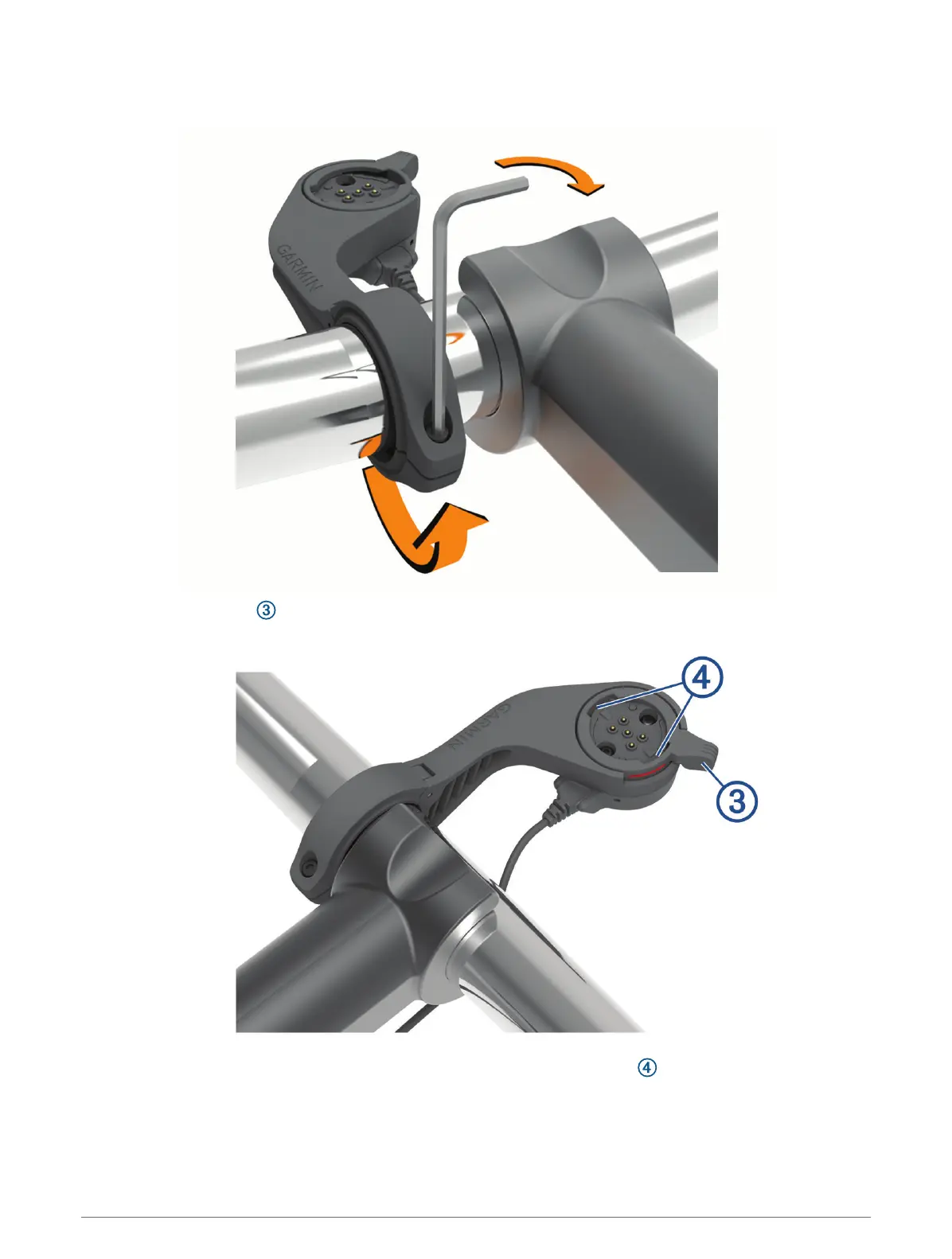
5 Replace the screw, and use the 2.5 mm hex key to tighten the screw until the mount is secure.
NOTE: You should check the tightness of the screw periodically.
6 Open the locking ring .
NOTE: The locking ring is in the open position when the red line is visible on the side of the mount.
7 Align the tabs on the back of the Edge device with the eBike mount notches .
Device Information 47



 To Next Page