Icon Name Description
Stopwatch Select to start the stopwatch (Using the Stopwatch, page101).
Sunrise & Sunset Select to view sunrise, sunset, and twilight times.
Sync Select to sync your watch with your paired phone.
Timers Select to set a countdown timer (Starting the Countdown Timer, page101).
Touch Select to enable or disable touchscreen controls.
Wallet
Select to open your GarminPay wallet and pay for purchases with your watch
(GarminPay, page46).
Wi-Fi Select to enable or disable Wi‑Fi communications.
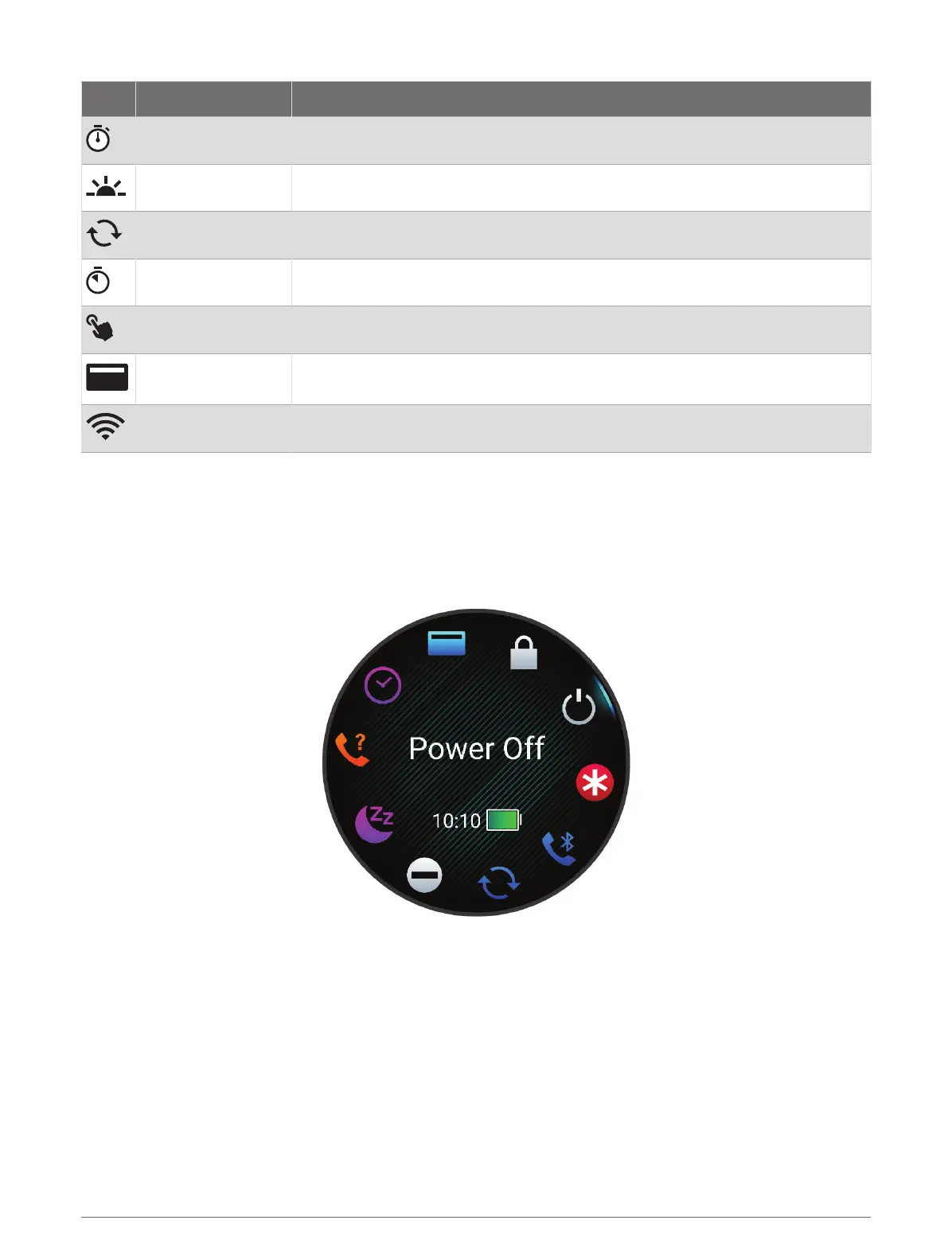
Viewing the Controls Menu
The controls menu contains options, such as the stopwatch, locating your connected phone, and turning the
watch off. You can also open the GarminPay wallet.
NOTE: You can add, reorder, and remove the options in the controls menu (Customizing the Controls Menu,
page46).
1 From any screen, hold LIGHT.
2 Press UP or DOWN to scroll through the options.
TIP: You can also drag the touchscreen to rotate the options.
Appearance 45















 To Next Page