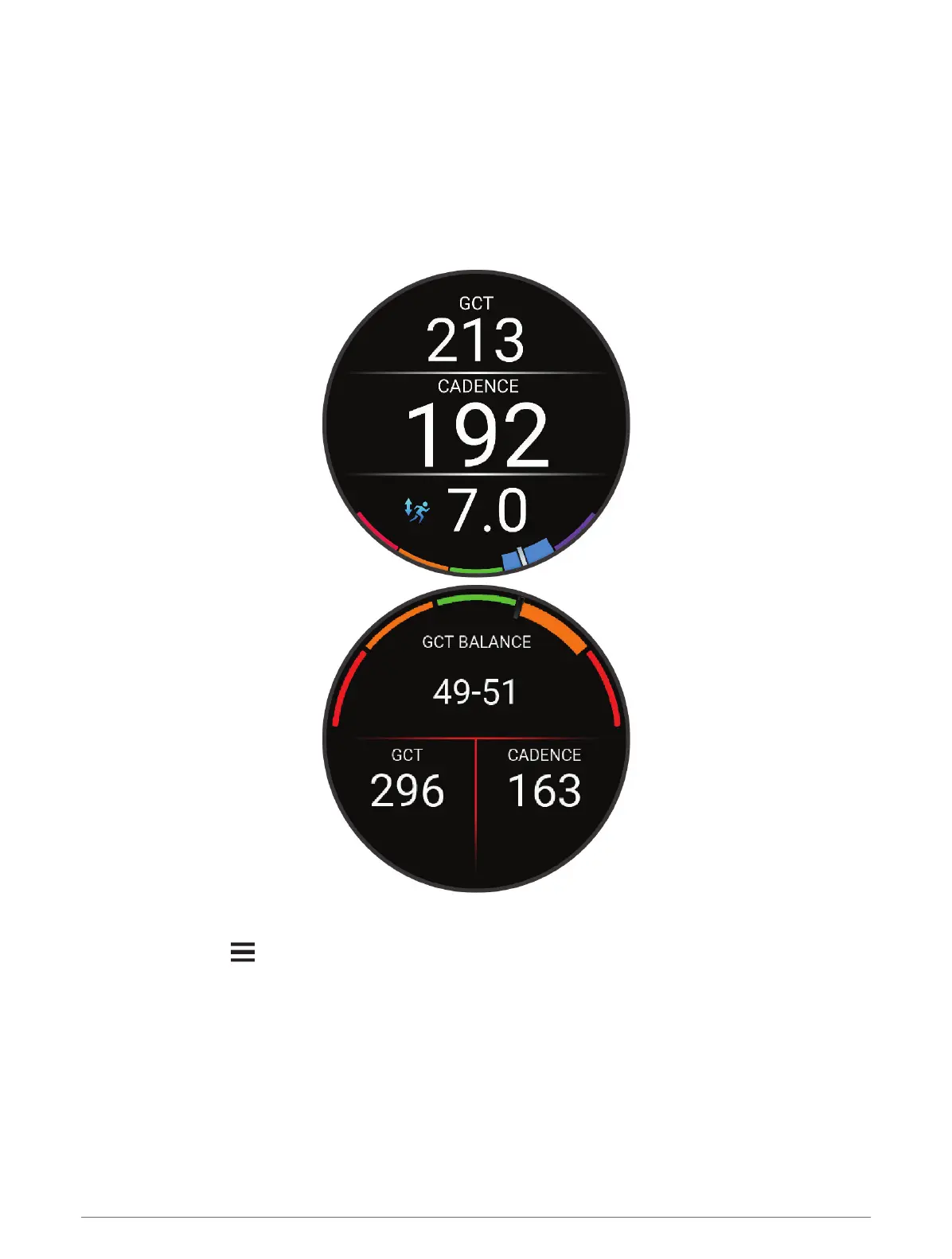
Training with Running Dynamics
The watch automatically uses wrist-based running dynamics unless you pair a compatible running dynamics
accessory (Pairing Your Wireless Sensors, page78). You can add a running dynamics screen to any running
activity (Customizing the Data Screens, page105).
1 Press START, and select a running activity.
2 Press START to start the activity timer.
3 Go for a run.
4 Scroll to the running dynamics screen to view your metrics.
REMEMBER: Ground contact time balance is only available if you are using a compatible running dynamics
accessory.
5 If necessary, hold to edit how the running dynamics data appears.
80 Sensors and Accessories















 To Next Page