5
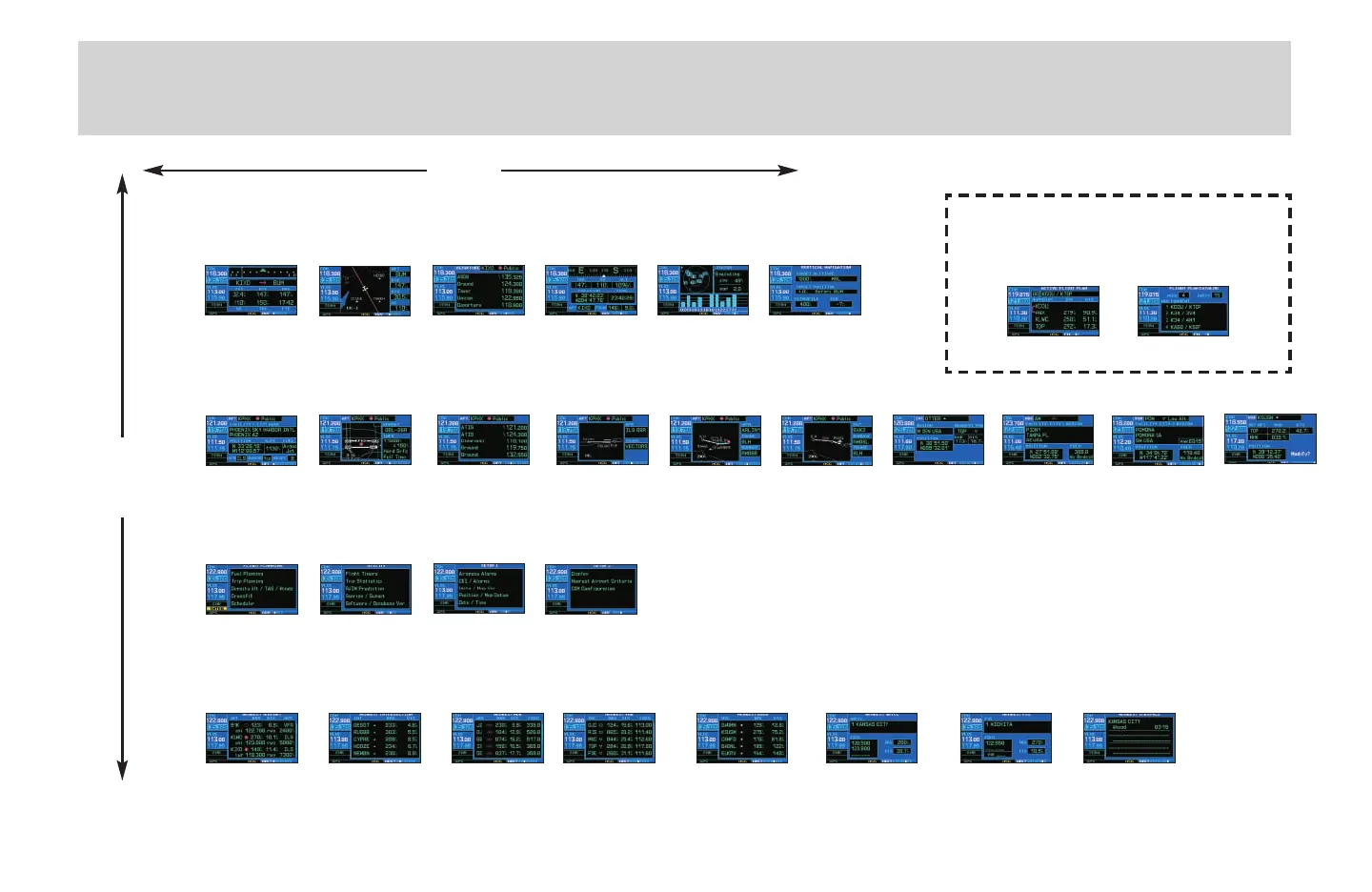
Page selection
d
(Large right knob to change page groups)
(Small right knob to select pages within the group)
a
Default NAV
Map
NAVCOM
Position
Satellite Status
VNAV
Airport Location
Airport Runway
Airport Frequency
Airport Approach
Airport Arrival
Airport Departure
Intersection
NDB
VOR
User Waypoint
Flight Planning
Utility
Setup 1
Setup 2
Nearest Airport
Nearest Intersection
Nearest NDB
Nearest VOR Nearest User Waypoint
Nearest Center
Nearest Flight Service
NAV Group
WPT Group
AUX Group
NRST Group
Selection of any main page is performed using the large (
d
) and small (
a
) right knobs. The large right knob (
d
) selects the page group: NAV, WPT,
AUX or NRST. The small right knob (
a
) selects the desired page within a group. To quickly select the default NAV page, press and hold
c
.
Active Flight Plan
Flight Plan Catalog
Flight plan pages are selected by pressing
the
F
key and using the small right
knob (
a
) to select the desired page.
FPL Group
Nearest Airspace
430QR c.qxd 6/21/00 2:19 PM Page 5



 To Next Page