4
Getting Started
Initializing the Receiver/
Power On
Initializing the Receiver
The first time you power up your GPSMAP 178/178C Sounder, the receiver must be given an
opportunity to collect satellite data and establish its present position. To ensure proper initialization, the
GPSMAP 178/178C Sounder is shipped from the factory in AutoLocate mode, which allows the receiver
to “find itself” anywhere in the world. To speed up the initialization process, we recommend using the
graphic initialization process described on the next page, which usually provides a position fix within a
few minutes.
Before you initialize, make sure the GPSMAP 178/178C Sounder unit and antenna have been cor-
rectly installed on your vessel according to the instructions in Appendix A. The antenna needs to be in a
location with a clear and unobstructed view of the sky to receive satellite signals.
To turn on the GPSMAP 178/178C Sounder:
1. Press and hold the POWER key until the power tone sounds and the display comes on, then release
the POWER key.
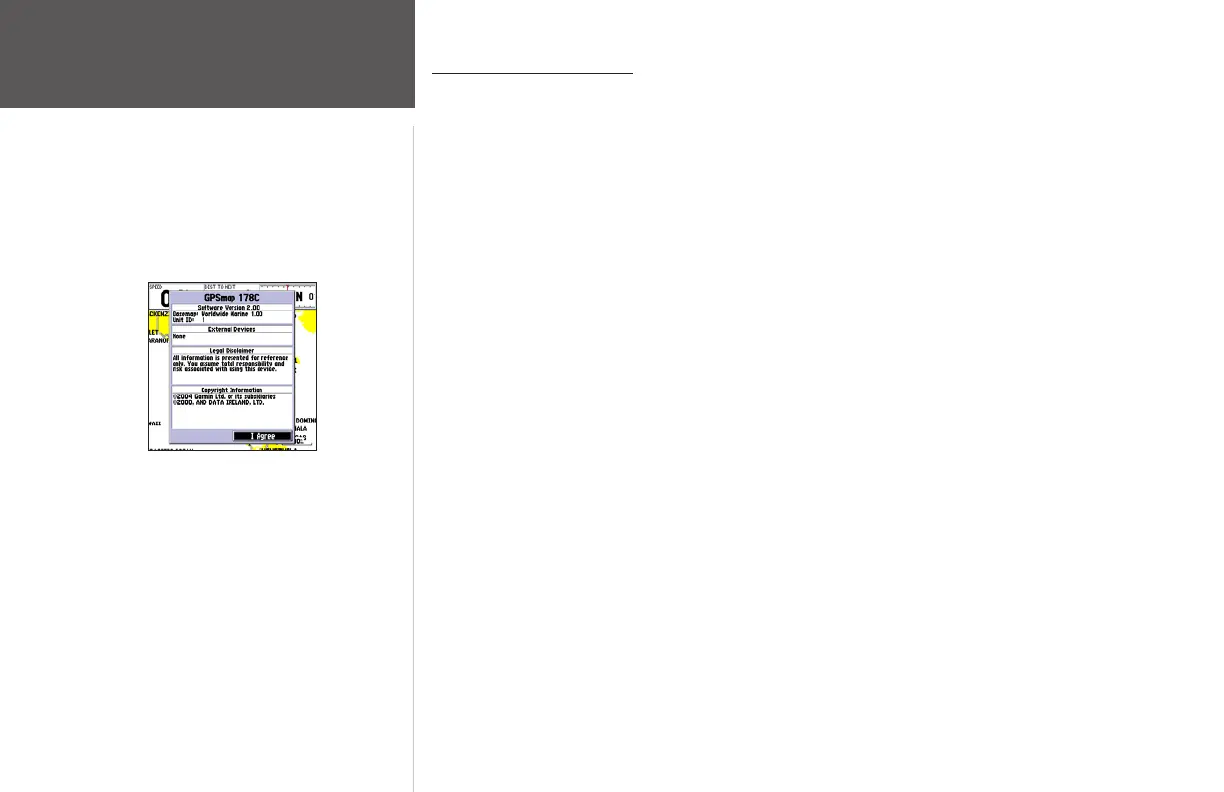
An Introduction page appears, asking you to read and acknowledge important information regarding
the proper use of the unit.
To acknowledge the introduction:
1. After reading the introduction page, press the ENTER/MARK key if you agree.
GPSMAP 178/178C Sounder Warning Screen














 To Next Page