34 GPSMAP 3205 Owner’s Manual
MaIn Pages > MaP Page
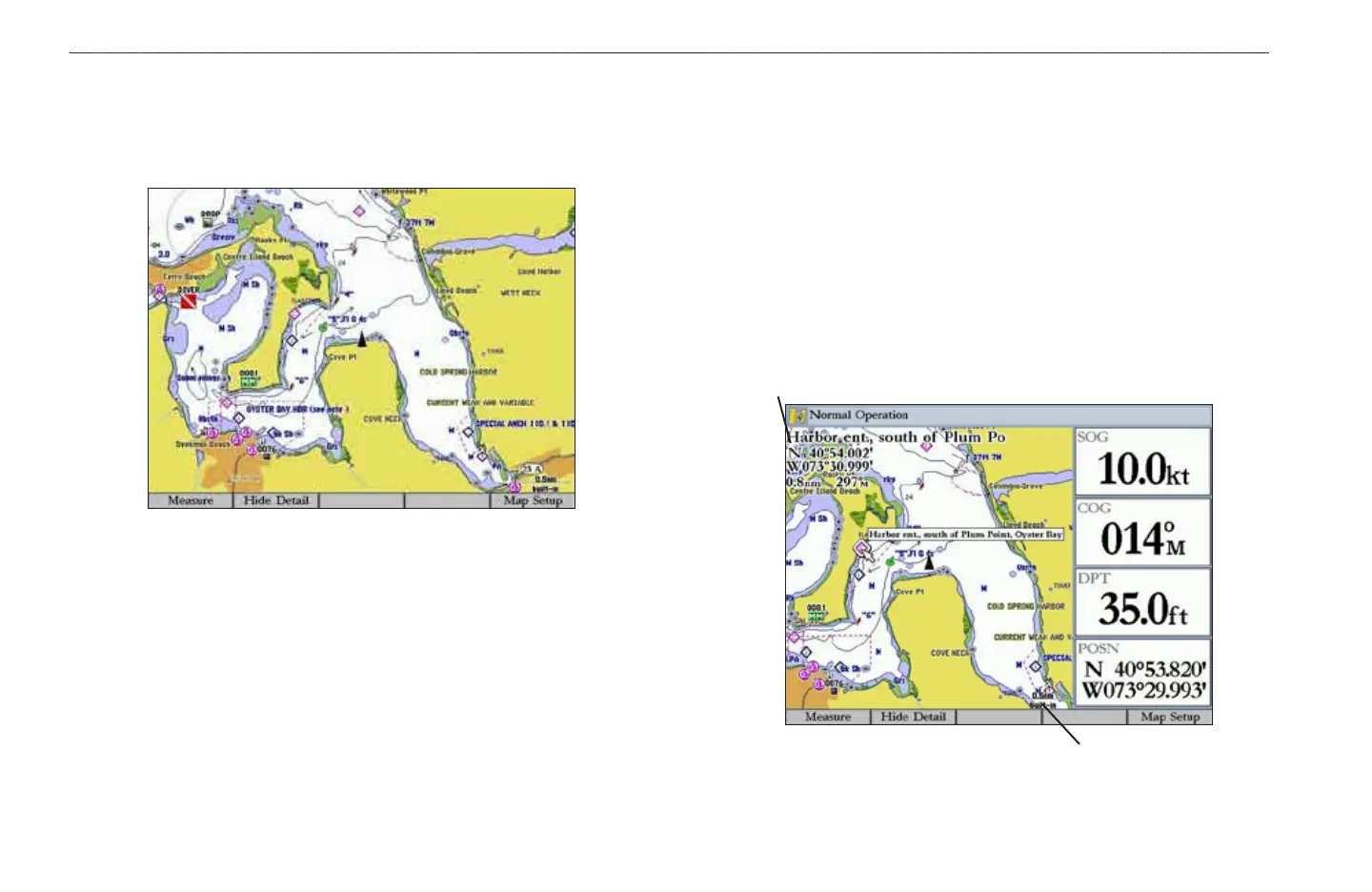
Viewing a Main Page in Full-Screen Mode
Use the DATA key to view the main page in full-screen mode, without functions,
the status bar, or Digital Data elds. Press DATA again to return to the previous
view.
Map Page in Full-Screen Mode
Map Page
The Map Page provides a comprehensive display of electronic cartography,
plotting, and navigational data. The Map Page shows your boat on a digital chart,
complete with geographic names, map items, navaids, and other chart features.
When using your GPSMAP 3205 with the optional preprogrammed BlueChart g2
data cards, you can view detailed roads and photographs. See the BlueChart g2
User’s Guide for additional information about BlueChart g2 data.
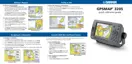
When the map pointer is active, information is shown in the upper-left corner
of the map to indicate location, any identifying text, range, and bearing to the
pointer or a selected waypoint or map item. The map range is shown in the
lower-right corner of the map.
Map range
Map information













 To Next Page