GPSMAP 3205 Owner’s Manual 55
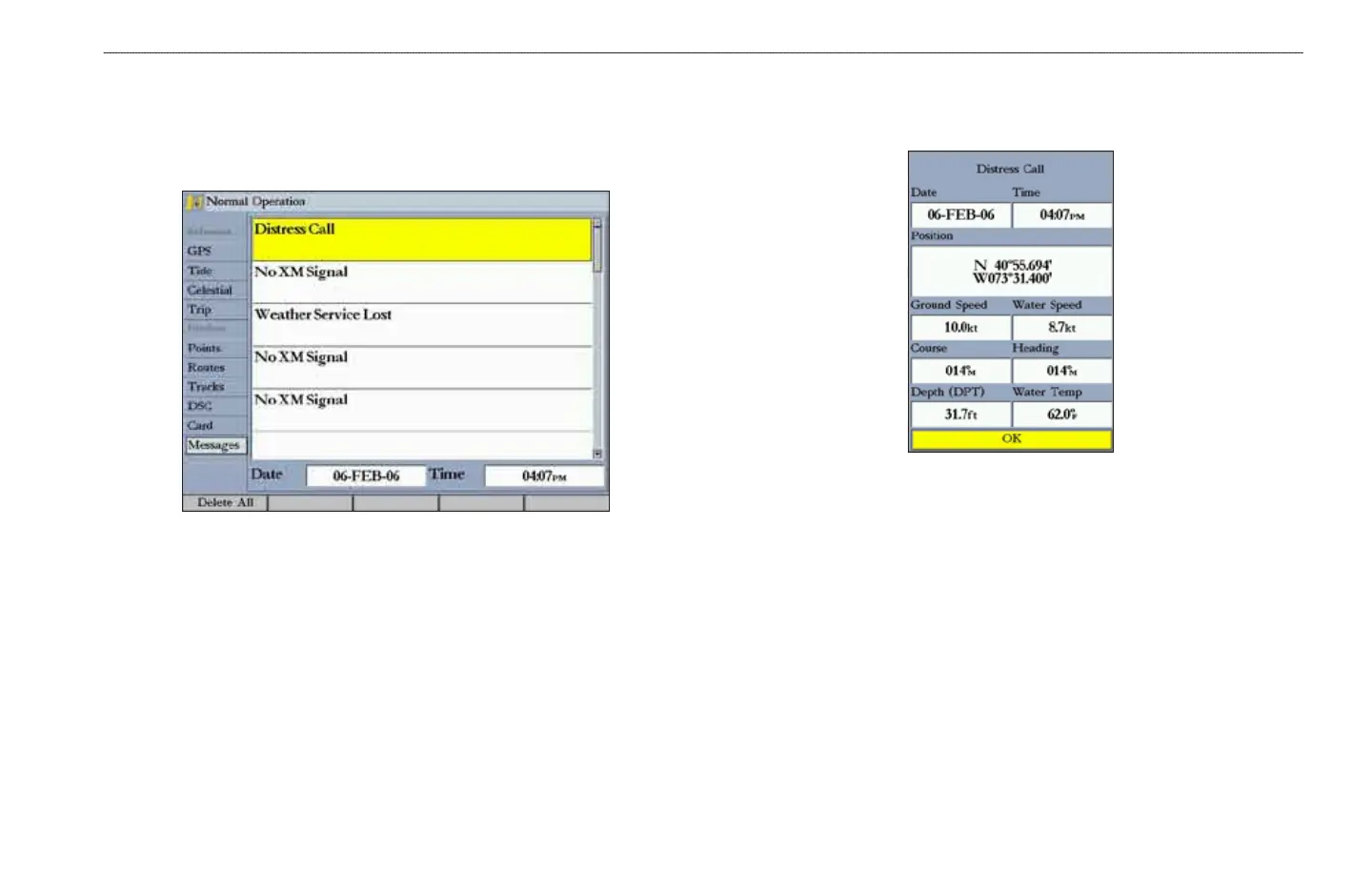
MaIn Menu > Messages tab
Messages Tab
The Messages tab shows a list of messages generated by the GPSMAP 3205.
Use the ROCKER to scroll through the messages. The date and time when each
message occurred is shown at the bottom of the tab.
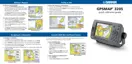
Viewing Detailed Message Information
You can view detailed information about the message, such as date, time,
position, speed, course, and heading.
To view detailed information:
Highlight a message, and press ENTER. A window opens showing
detailed information for the selected message.













 To Next Page