GPSMAP 3205 Owner’s Manual 47
MaIn Menu > trIP tab
To view celestial information for a different location:
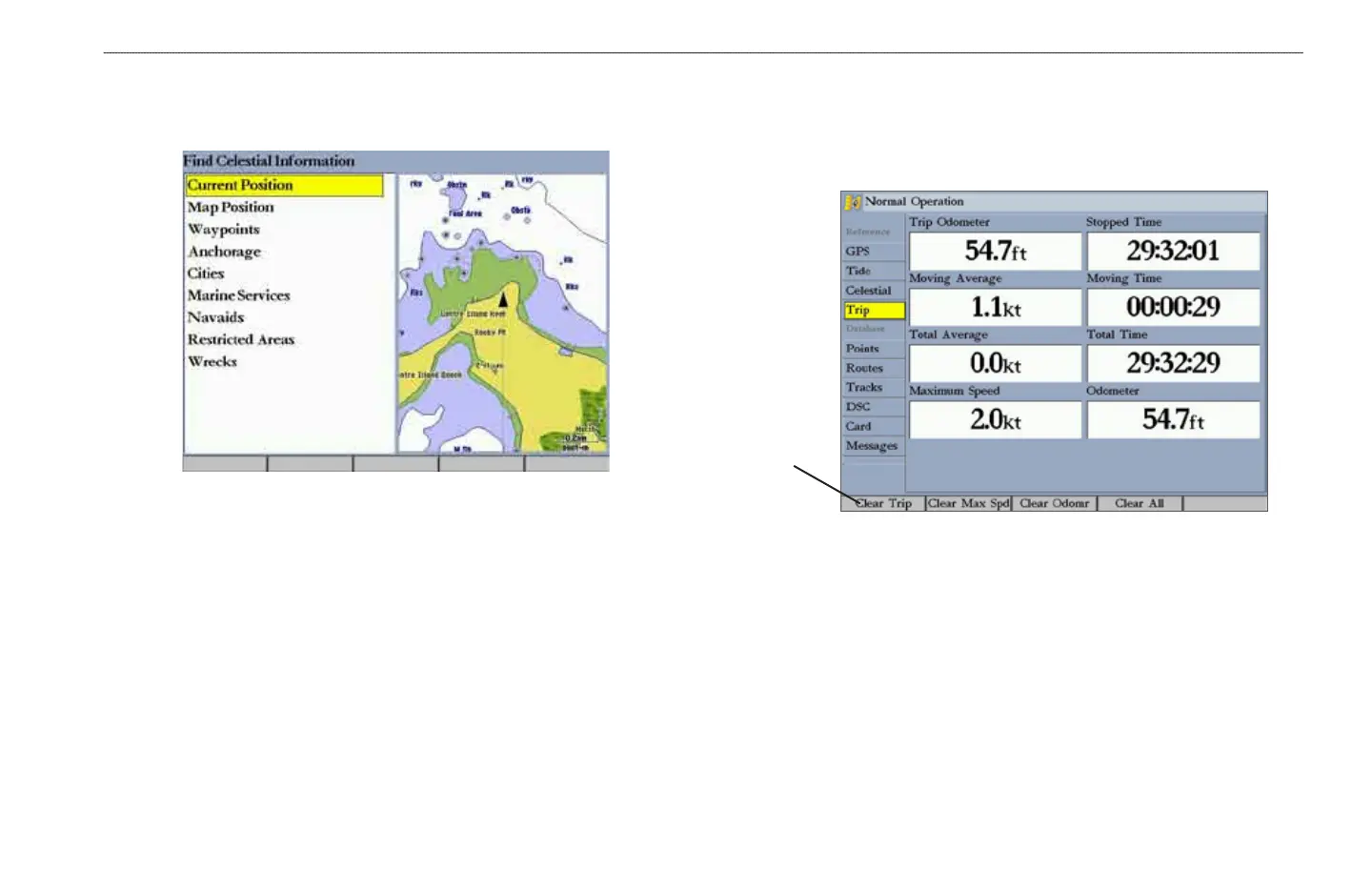
1. On the Celestial tab, highlight the At eld, and press ENTER. The Find
Celestial Information Page appears.
2. Make a selection and press ENTER repeatedly until the information for
that location appears on the Celestial tab.
To change the time or date:
1. On the Celestial tab, use the ROCKER to highlight the Days or Hours
button, and press ENTER. Press up or down on the ROCKER to change
the days or hours. Press QUIT to exit.
OR
Highlight the On eld, and press ENTER.
2. Enter a new date or time, and press ENTER.
3. To return to the current date and time, press the Current Date soft key.
Trip Tab
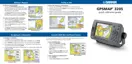
The Trip tab shows data for Trip Odometer, Moving Average speed, Total
Average speed, Maximum Speed, Stopped Time, Moving Time, Total Time, and
Odometer.
Trip Tab
Soft
keys
The Trip tab contains the following soft keys:
•
Clear Trip—clears all trip data.
•
Clear Max Spd—resets the value in the Maximum Speed eld to 0.00.
•
Clear Odometer—resets the value in the Odometer eld to 0.00.
•
Clear All—resets the values in all elds.













 To Next Page