10 GPSMAP
®
400 Series Owner’s Manual
uSInG chartS
2. Select the item. If more than one item is in the area, select
Review, and then select the item.
Viewing Tide Station Information
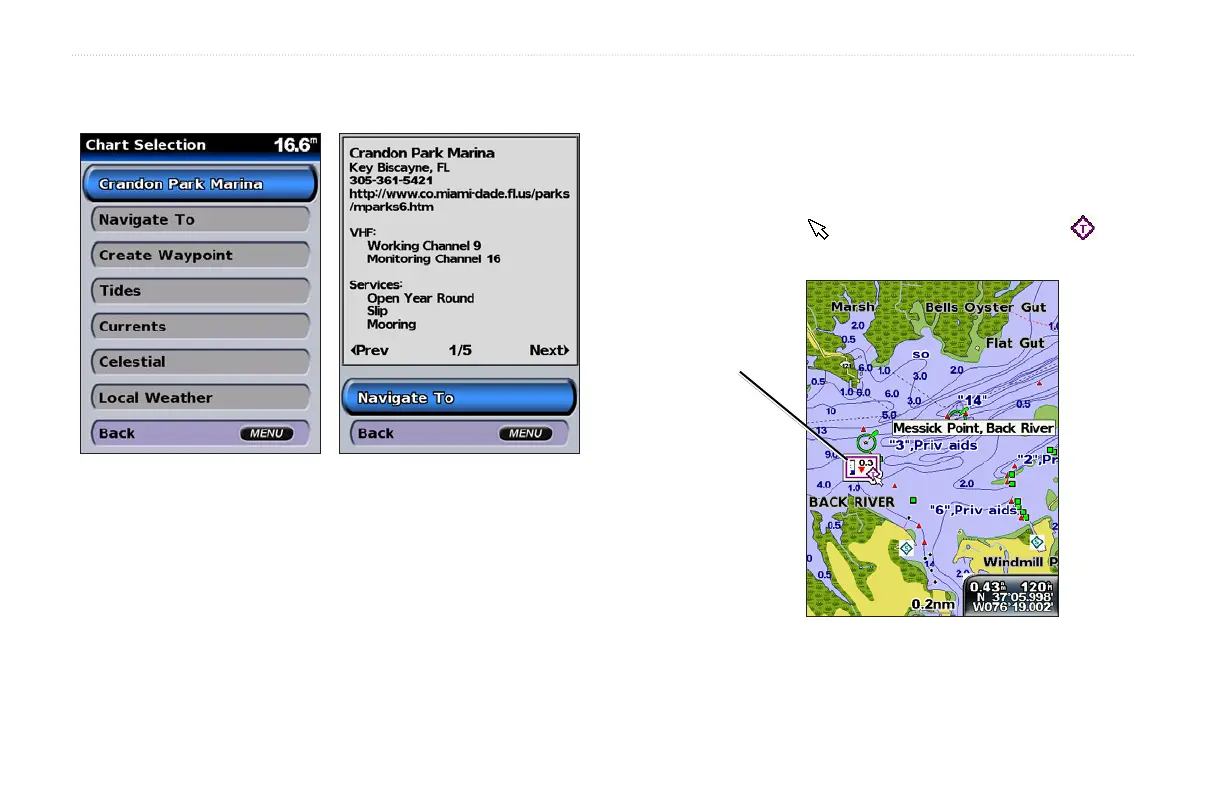
Tide station information appears on the chart with a detailed icon
(when animated, see page 17) showing the relevant tide level. You
can view an in-depth graph for a tide station to help predict the tide
level at different times or different days.
Use the map pointer ( ) to highlight a tide station icon ( ),
and press SELECT.
Relevant tide level
(when animated)
For more information about tides, see page 26.













 To Next Page