2 GPSMAP
®
400 Series Owner’s Manual
GettInG Started
Turning the Unit On or Off
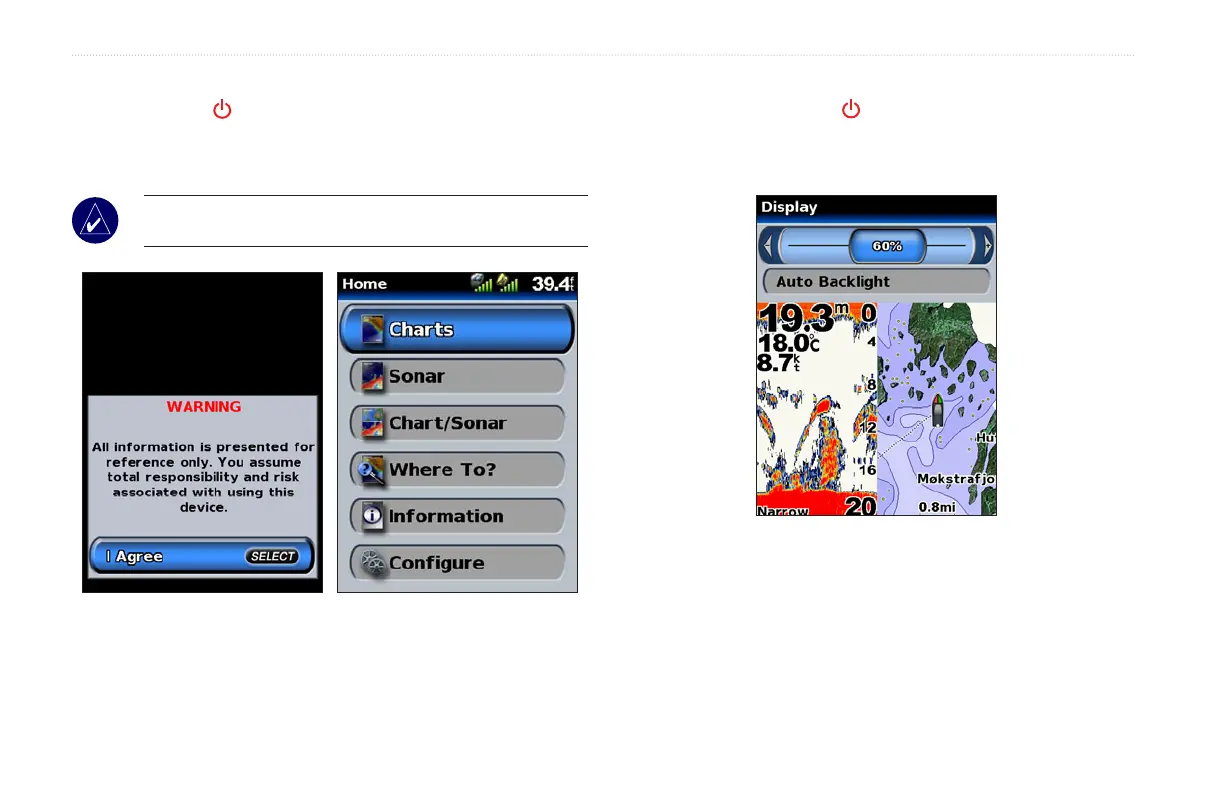
Press and hold the POWER key until the unit beeps and the
Garmin screen appears. When the Warning screen appears, press
SELECT to open the Home screen.
NOTE: Thersttimeyoupoweronyourunit,youmustgo
through a setup sequence. See page 51 for details.
Adjusting the Backlight
1. Press and release the POWER key.
2. Select Backlight and press left or right on the ROCKER to
manually adjust the backlight.













 To Next Page