EasyManua.ls Logo

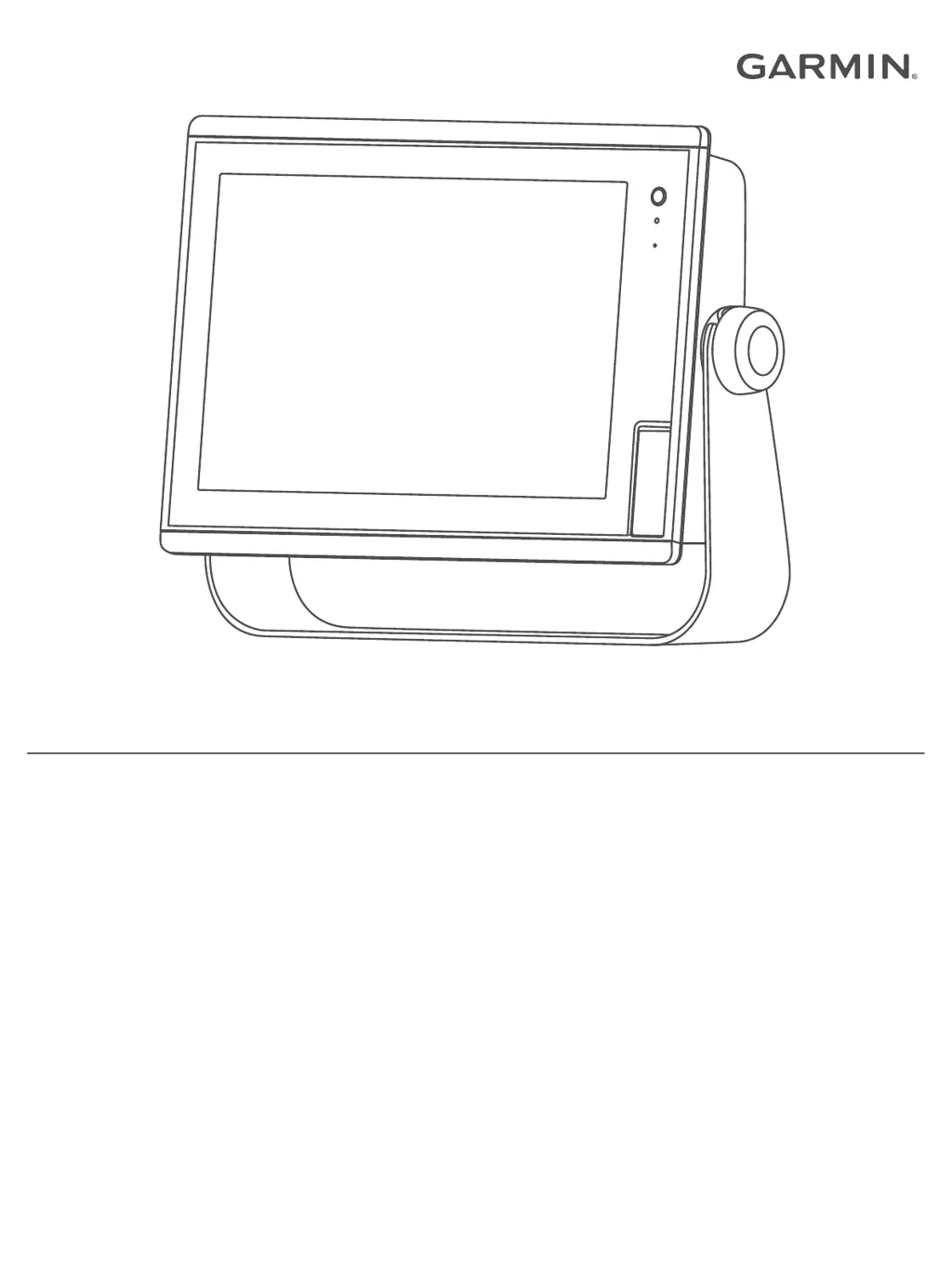
Garmin GPSMAP A12 - User Manual

Garmin GPSMAP A12
74 pages
Print Icon
To Next Page IconTo Next Page
Loading...
GPSMAP
®
A12
Owner’s Manual

Table of Contents

Questions and Answers

  • C
    Charles JohnsonAug 3, 2025
    What to do if my Garmin GPS will not turn on?
    • W
      William ReyesAug 3, 2025
      If your Garmin GPS won't turn on, first ensure the power source is working. Then, check the fuse in the power cable. Verify the device is receiving at least 10 V, with 12 V recommended. If the device receives enough power but still doesn't turn on, contact Garmin product support.
  • T
    Tammy BoothAug 13, 2025
    How to fix Garmin GPSMAP A12 not acquiring signal?
    • S
      shannonjohnsonAug 13, 2025
      If your Garmin GPS is not acquiring signals, ensure the device uses the latest software by updating it. Also, make sure the device has a clear view of the sky, positioning it close to a window if mounted inside a cabin, so the antenna can receive the GPS signal.
  • J
    Julie BryantAug 23, 2025
    Why is my Garmin GPSMAP A12 creating waypoints in the wrong location?
    • O
      ortizstephanieAug 23, 2025
      If your Garmin GPS creates waypoints in the incorrect location, the map datum and position format of the device may not match the map datum and position format originally used to mark the waypoint. Find out which map datum and position format was used when the original waypoint was created. Then, select Settings > Preferences > Units. Select the correct map datum and position format settings. Create the waypoint again.

Garmin GPSMAP A12 Specifications

General IconGeneral
BrandGarmin
ModelGPSMAP A12
CategoryGPS
LanguageEnglish

Related product manuals