Introduction
WARNING
See the Important Safety and Product Information guide in the product box for product warnings and other
important information.
Always consult your physician before you begin or modify any exercise program.
Overview
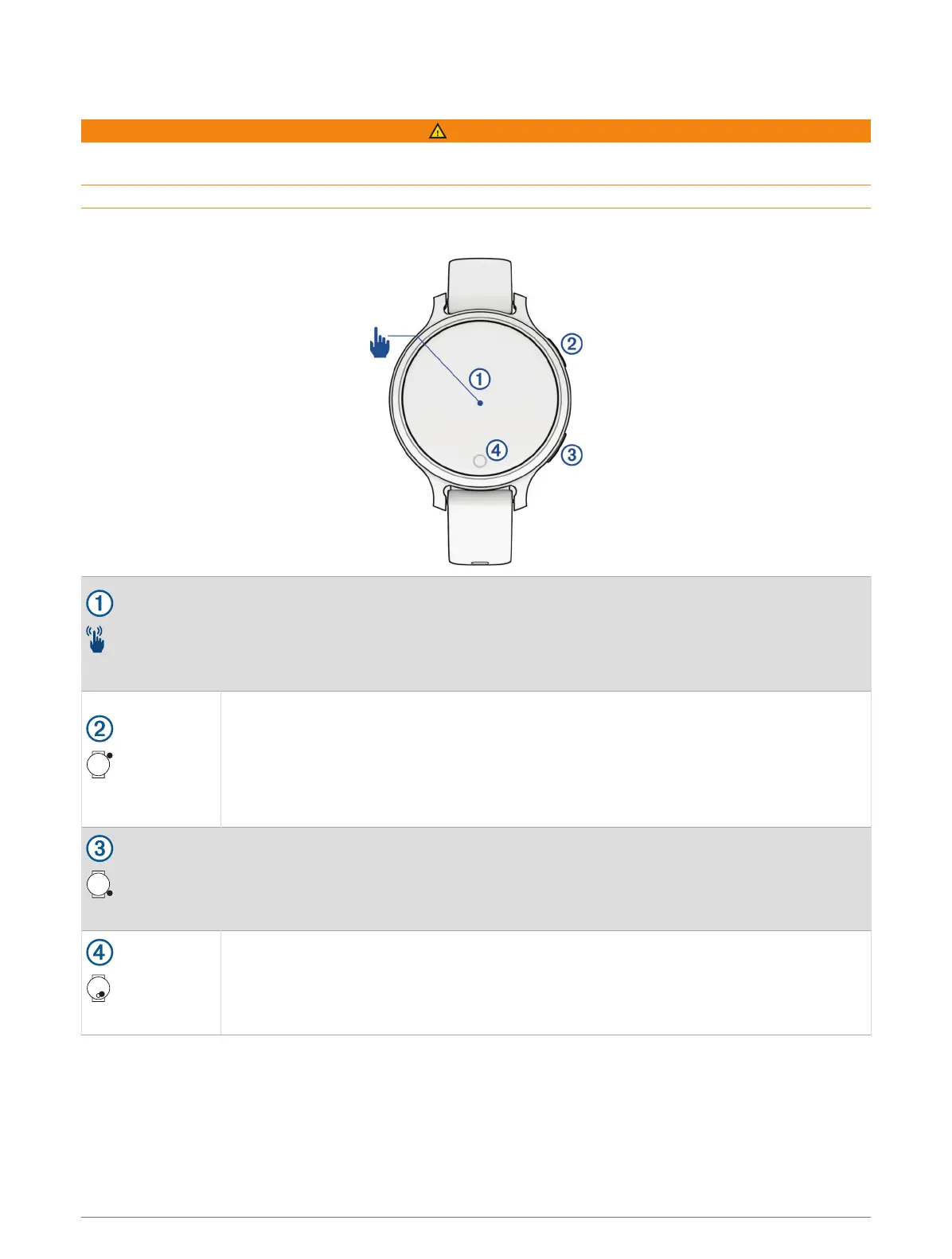
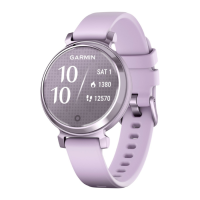
Touchscreen
• Tap to choose an option in a menu.
• Tap to open the widget to view more data.
• Double-tap to wake the watch.
• Swipe right or left to scroll through widgets.
• Swipe up or down to scroll through menus.
Upper-right button
• Press to turn on the watch.
• Press to wake the watch.
• Press to open the activities and apps menu.
• Press to start and stop the activity timer.
• Hold for 2 seconds to view the controls menu, including power.
• Hold until the watch vibrates to request assistance (Requesting Assistance, page35).
Lower-right button
• Press to return to the previous screen, except during an activity.
• During an activity, press to mark a new lap, start a new set or pose, or advance to the
next stage of a workout.
• Hold to view a menu of watch settings and options for the current screen.
Touch button
• Press to return to the previous screen, except during an activity.
• Hold to view the shortcut feature (Setting Up the Touch Button Shortcut, page21).
• From the watch face, press to cycle through data, such as steps and heart rate.
Introduction 1







 To Next Page