nüvi 310/360/370 Owner’s Manual 17
travel KIt
Travel KiT
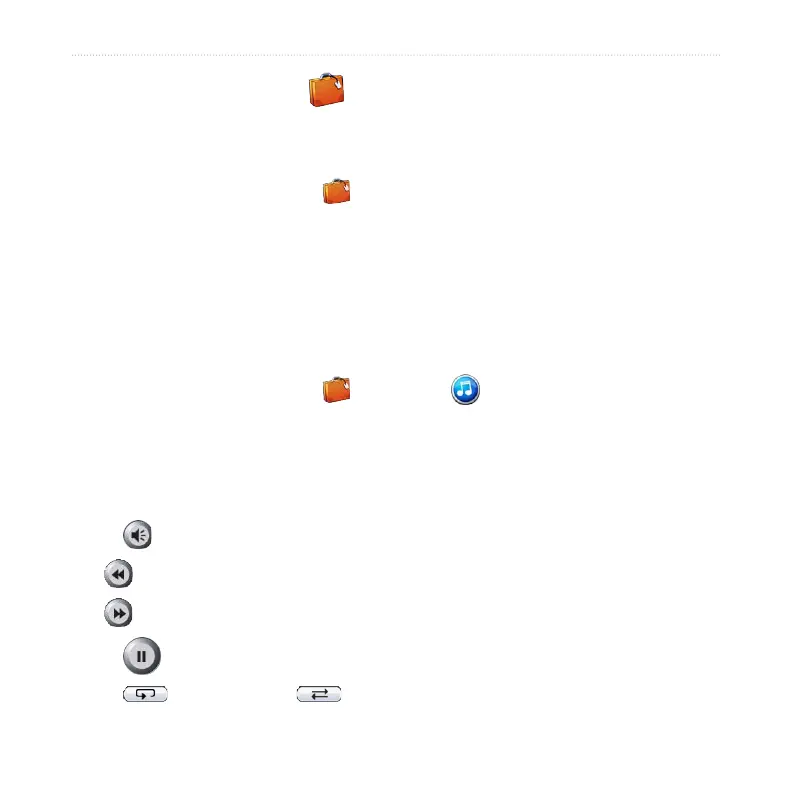
The Travel Kit provides many features that are helpful when you are traveling. Touch
Help to learn more about the nüvi Travel Kit.
1. On the Menu page, touch Travel Kit.
2. Touch the item you want to open.
To purchase a Travel Kit accessory, go to the Garmin Web site at www.garmin.com/
products, and click the Accessories link. You can also contact your Garmin dealer to
purchase nüvi accessories.
Listening to MP3 Files
1. On the Menu page, touch Travel Kit > MP3 Player > Browse.
2. Select a category.
3. To play the entire category from the beginning of the list, touch Play All. To
play starting with a specic song, touch the title.
4. Touch Back to exit the MP3 page.
Touch to adjust the volume.
Tap to go to the beginning of the song; touch and rewind the song.
Tap to skip to the next song; touch and hold to fast forward the song.
Touch to pause the song.
Touch to repeat. Touch to shufe.



 To Next Page