8
Getting Started
Emergency Channel
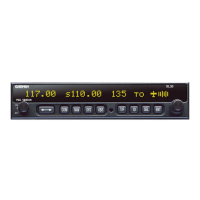
The standard emergency channel (121.50 MHz) is stored in the Com memory of the SL30.
1. Press COM, if you aren’t in Com mode already. Press SEL. Turn the LARGE knob to the Emergency
channel, one position counter-clockwise will reach it fastest.
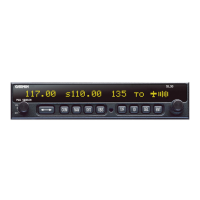
119.10 s124.55 emrgncy 121.50
2. Press the FLIP/FLOP button to make the Emergency channel the Active channel.
3. Listen, or key the Mic to send your message.







 To Next Page