16
Advanced Operation
Nav Mode
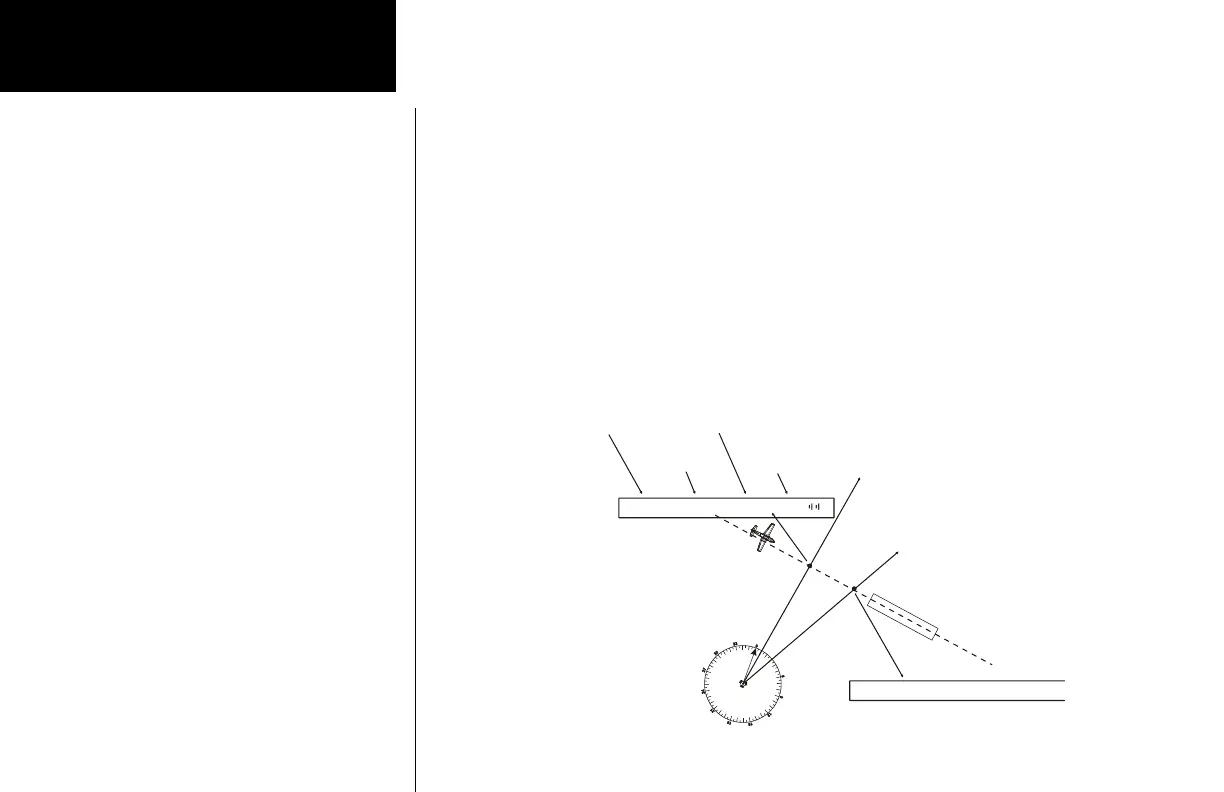
Navigating along a Back Course approach
1. Press NAV to select the Nav receiver.
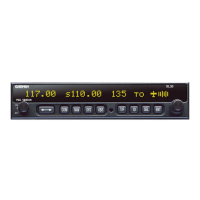
2. Set the Localizer frequency of your approach as the Active channel.
3. Press SEL. The display will prompt you to enable the back course. Press ENT to enable the back course.
Press SEL and ENT again to disable the back course when it’s appropriate. When Back Course is
enabled, it is noted by “bc” on the display.
4. Set the Standby channel to the appropriate VOR and note where a radial crosses the FAF and MAP for
your approach. Press NAV a second time to “monitor” the Standby channel. A small “m” will replace
the “s”.
5. The internal CDI (on the right side of the display) and the external CDI, if installed, will guide you along
the course to the runway.
6. The radial of the Standby channel you are monitoring will be shown in parentheses to the right of the
Standby channel.
7. Use the monitored Standby channel to note your location along the approach.
010º
Radial
3
030º
Radial
FAF
MAP
VOR ABC
116.00
XYZ ILS
111.10
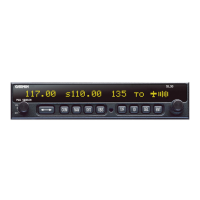
111.10 m116.00 (010) bc +
Graphic CDI
Fly right
Active Channel
ILS XYZ
Standby Channel
Monitors VOR ABC
Standby Channel
Radial
Display at the FAF
111.10 m116.00 (030) bc +}
Display at the MAP







 To Next Page