35
Appendix
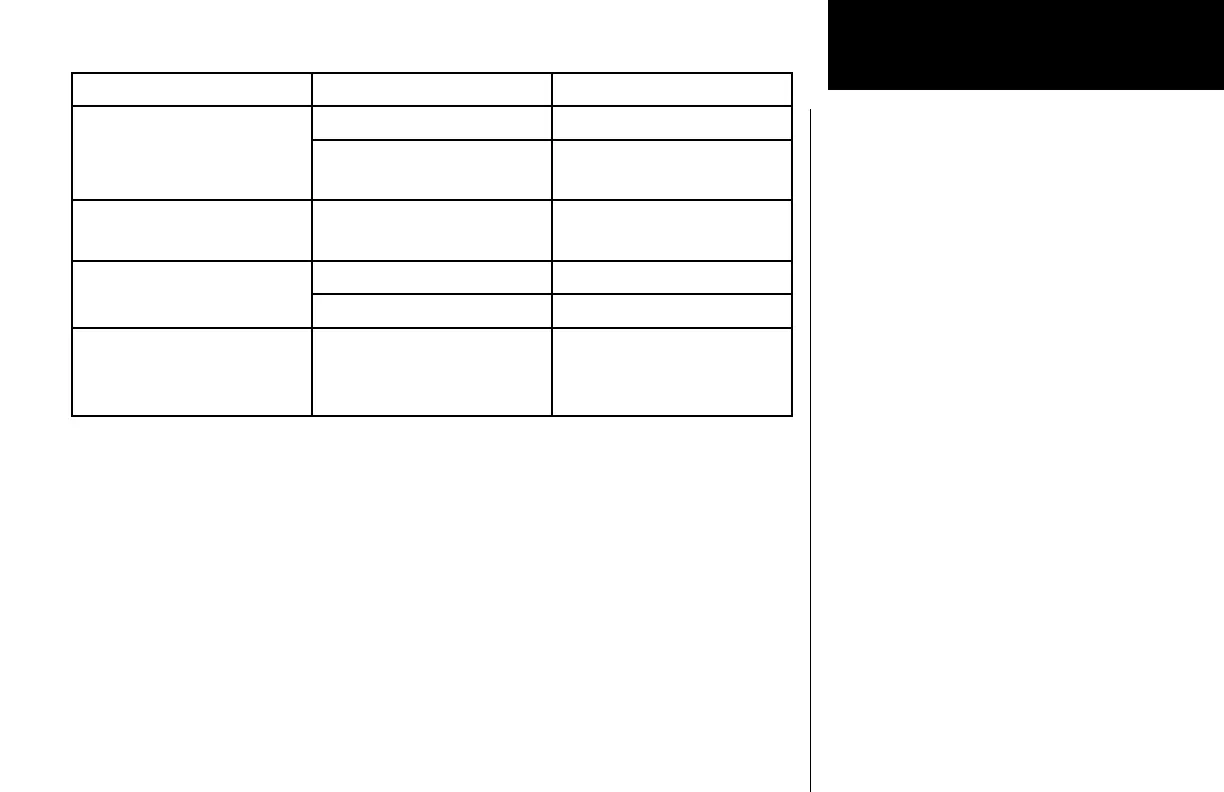
Problem Possible Cause Action
Intercom doesn’t function Input not connected Check connections
No voice activation, or must
talk too loud
Check System page, Com
Options, Intercom level
Can’t change active frequency Com Radio not communicat-
ing
Contact dealer
OBS readout displays “---” Resolver failure Contact dealer
Calibration error Recalibrate resolver
Display shows
“Incorrect Calibration Check-
sum” at start-up
Corrupted system calibration
parameters
Contact factory





 To Next Page