Smartphone Setup
Pairing Your Smartphone with
Your Device
Unlike other Bluetooth
®
devices that are paired
from the Bluetooth settings on your smart-
phone, your vívot 3 device must be paired
directly through the Garmin Connect Mobile
app. Go to www.garmin.com/ble for compatibil-
ity information.
1 Go to
www.garminconnect.com/vivot3,
and follow the on-screen instructions to
download the Garmin Connect Mobile app.
TIP: You can search for the app in the app
store on your smartphone.
2 Open the Garmin Connect Mobile app.
3 Follow the on-screen instructions to create
an account using your email address,
connect a device to your account, and enter
your user prole.
Your user prole is used to set your initial
step goal, determine calories burned, and
improve activity tracking accuracy.
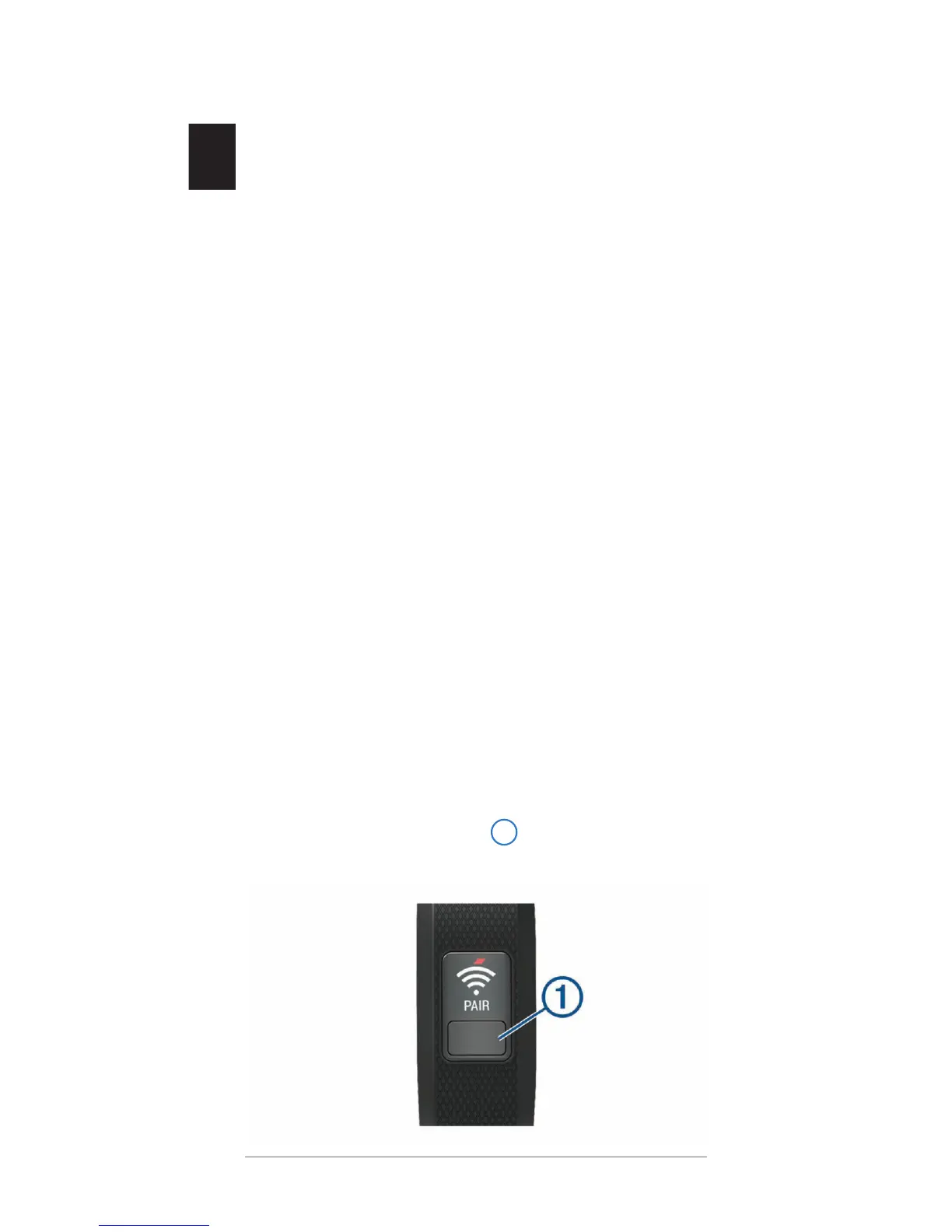
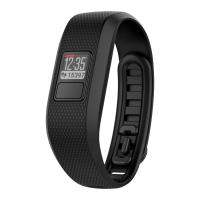
4 Press the device key
to turn on the
device.


 To Next Page