When you turn on the device for the rst
time, it is in pairing mode.
5 If necessary, hold the device key until
appears.
6 Follow the on-screen instructions to enter
your user prole.
Syncing Your Data with the
Garmin Connect Mobile App
You should sync your data regularly to track
your progress in the Garmin Connect Mobile
app.
Your device periodically syncs data with the
Garmin Connect Mobile app automatically. You
can also manually sync your data at any time.
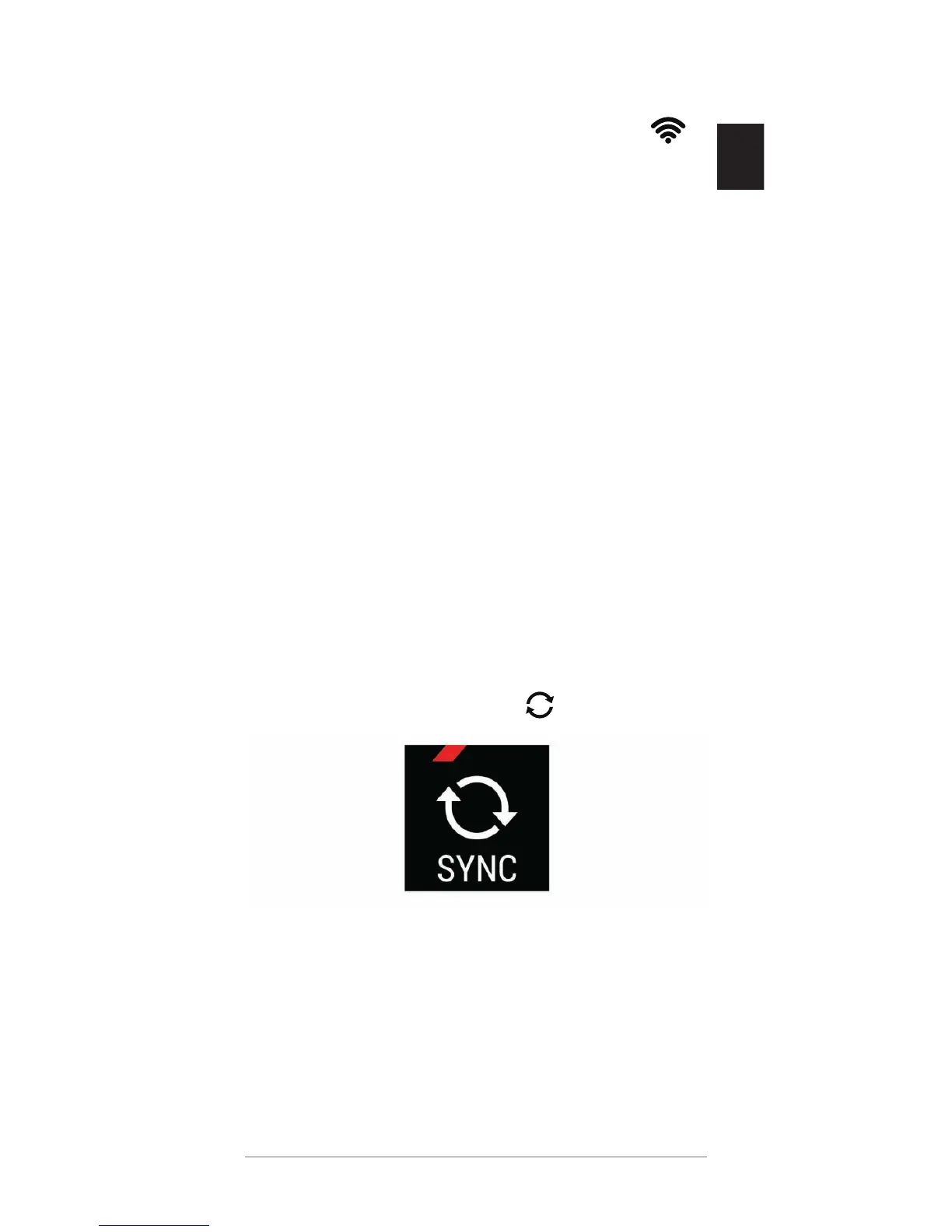
1 Bring the device near your smartphone.
2 Open the Garmin Connect Mobile app.
TIP: The app can be open or running in the
background.
3 Hold the device key until appears.
4 Wait while your data syncs.
5 View your current data in the Garmin
Connect Mobile app.


 To Next Page