Icons
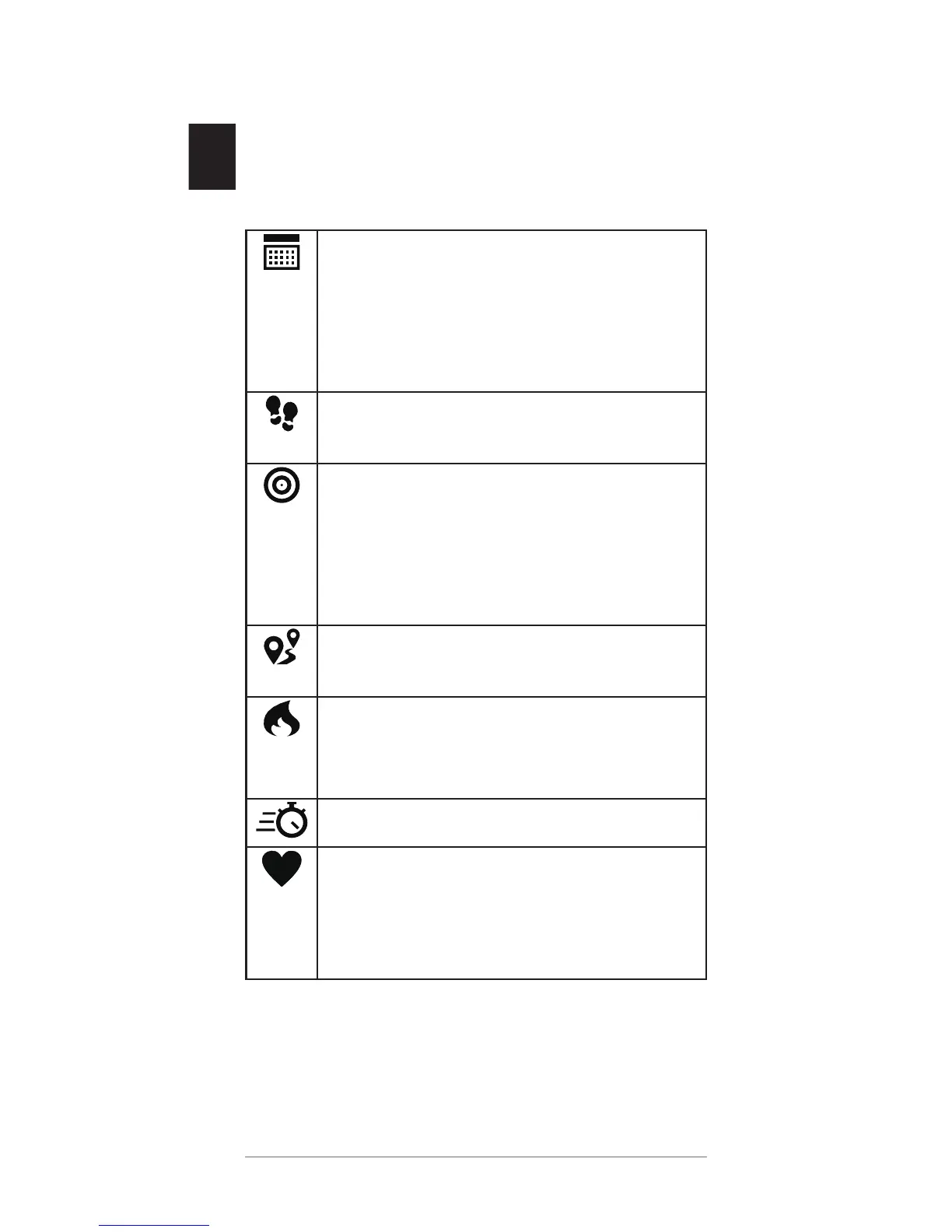
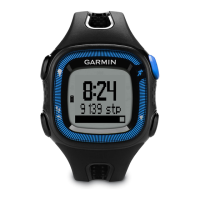
Icons appear at the bottom of the screen.
Each icon represents a different feature. You
can press the device key to scroll through the
different features.
The current time of day and date
based on your location. The device
updates the time and date when you
sync your data with a smartphone or
computer.
The total number of steps taken for
the day.
The number of remaining steps
needed to reach your step goal for the
day. The device learns and proposes
a new goal for you at the beginning of
each day.
The distance traveled in kilometers or
miles for the current day.
The amount of total calories burned
for the current day, including both
active and resting calories.
Your weekly intensity minutes total.
Your current heart rate and heart rate
zone. Your device must be connected
to a compatible heart rate monitor
(optional).


 To Next Page