24 -
Recorded Video.
There are two sub-menus available under Recorded Video; All Files and Event Files.
All Files.
Within All Files there is an option for File Search. File Search is broken down into seven sections
At the top of File Search is a calendar feature with highlights denoting which days have recorded video available.
Video Storage / Mirror SD
All / CH1 / CH2 / CH3 / CH4.
Use this option to select which channel’s video you wish to view.
Use the remote control to input the required date of the file to search for. Only those dates
highlighted in the Header of the File Search page will be available.
Narrow down the search by specifying a Start Time for the search
Enter an End Time for the search.
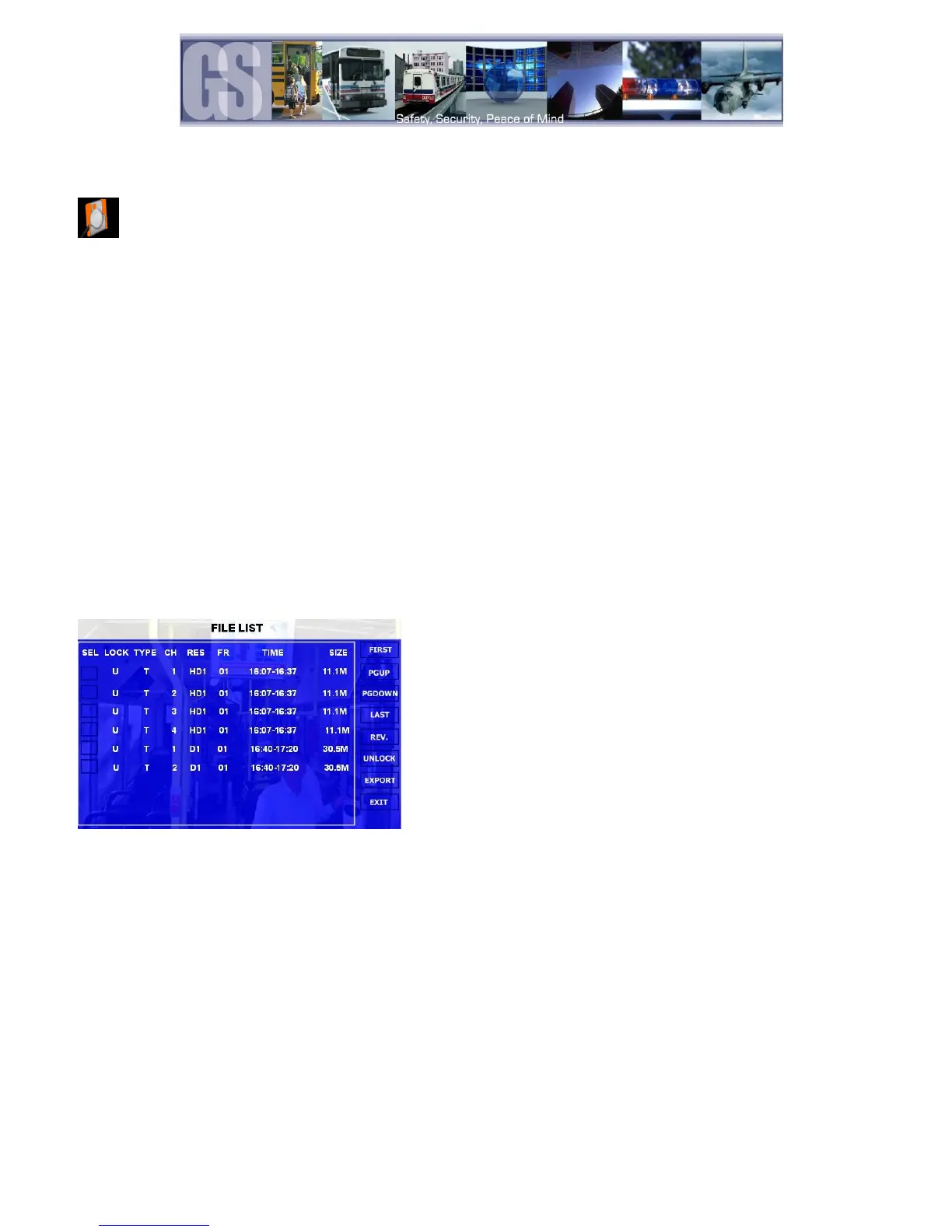
Once criteria has been set for the search, a File List window will appear. There are Multiple options within the File List window.
Figure 13: File List.
Use the remote control to arrow over and then press Enter. This will place an X in the box indicating
that this file has been selected for backup to an external device.
Highlight this option and press Enter on the remote control to navigate back to the first file in the
listing.
Scrolls the file listing up by a single page.
Scrolls the file listing down by a page.
Highlights the last file in the file listing.
Enables ALL files to be selected for backup.
Unlocks Event files allowing them to be overwritten
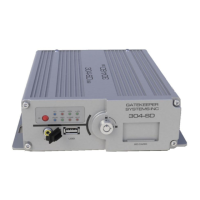
Exports the selected files to an external USB device connected to the front of the 304-SD
Exits the File List page and returns the user to the File Search page.


 To Next Page