58 -
Please Note: Non Gatekeeper branded SD cards may not function reliably. If a non Gatekeeper branded SD card is used it
must be formatted in the DVR prior to use.
Start the vehicle and wait for the 304-SD to boot up, approximately one minute. Confirm live camera video is visible on small
monitor (small Red R in each camera image – indicates the DVR is recording). Confirm DVR is recording by observing the
LED’s as per the following table:
GPS (An Antenna Must Be Connected)
LAN (If Network Is Configured)
Table 8: LED Status (Record Mode)
Table 9: Safely Remove SD Card.
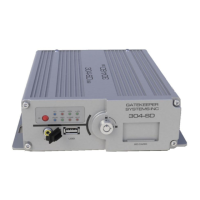
To access the SD card, turn the provided key to the unlock position. Open the SD card door and remove the SD card only
when the power light is illuminated Blue, see table 9.


 To Next Page